Matt
★ Administrator
-
Joined
-
Last visited
Everything posted by Matt
-
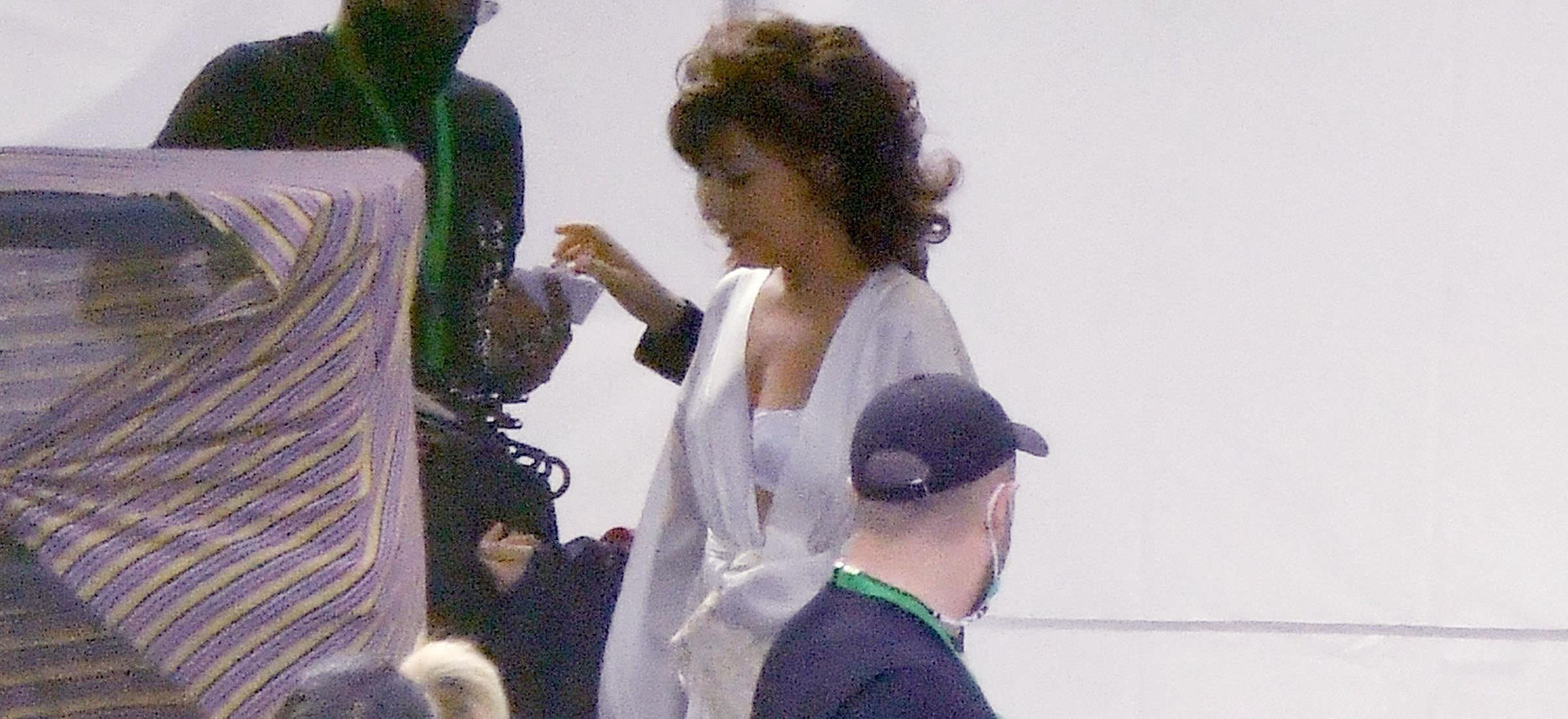 Lady Gaga was spotted arriving on the set of "House of Gucci", earlier today in Rome. Superstar Lady Gaga was seen in very provocative lingerie, arriving on the set of Ridley Scott's new movie: "House of Gucci", earlier today in Rome. The artist is currently in Rome with Adam Driver, Al Pacino, Salma Hayek, and Jared Leto, to shoot scenes of Ridley's movie. House of Gucci is expected to open in theaters this November.
 -
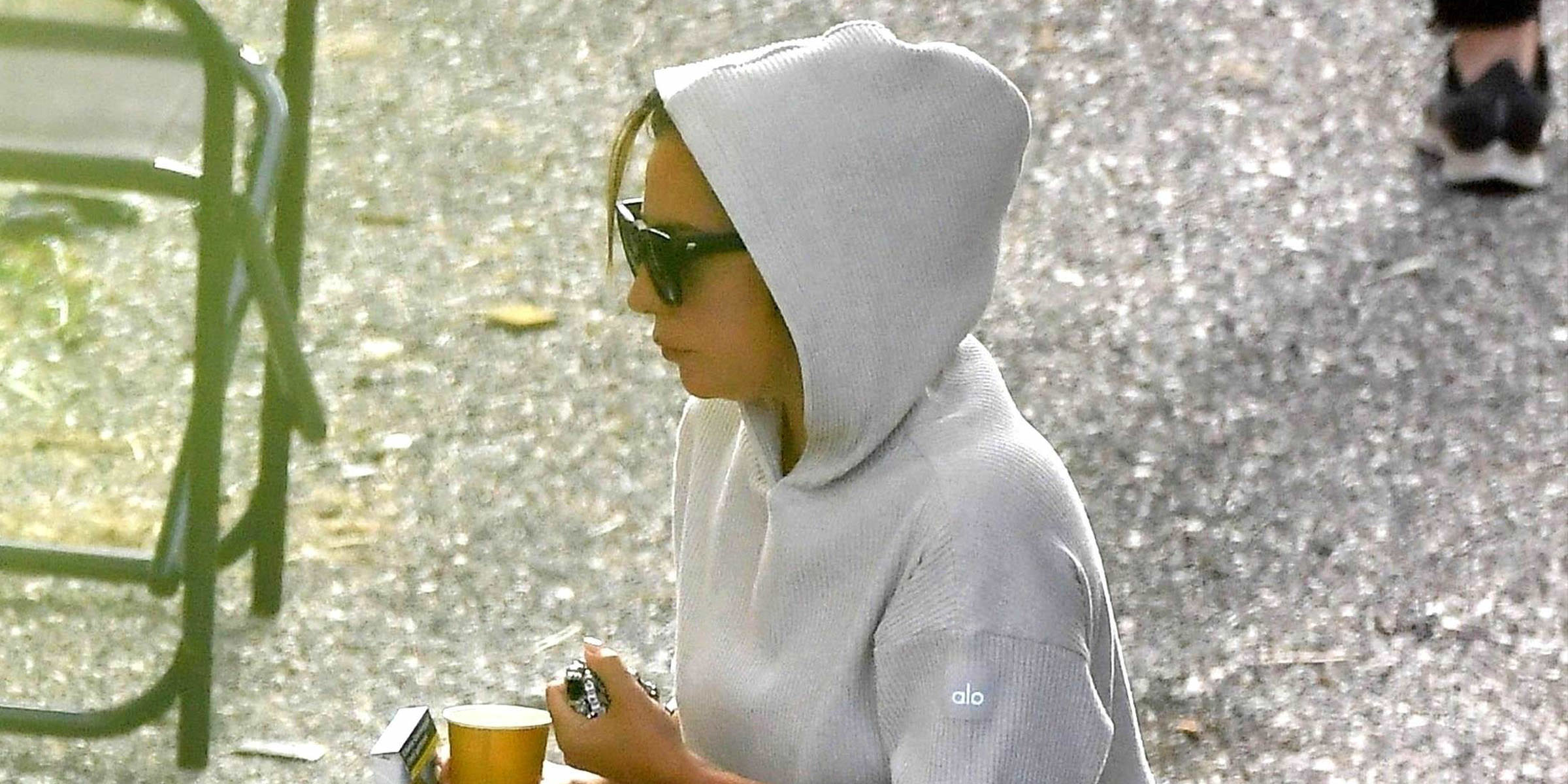 After taking a day off, Lady Gaga was spotted once again on the set of "House of Gucci". The Academy Award nominated actress was seen wearing a white jumpsuit whilst walking to set. Later, she was spotted on the set wearing a white dress. Gaga is currently in Rome to play the leading role of Patrizia Gucci in Ridley Scott's new movie "House of Gucci", along with the extremely talented Adam Driver, Al Pacino, Salma Hayek and Jared Leto.
 -
-
-
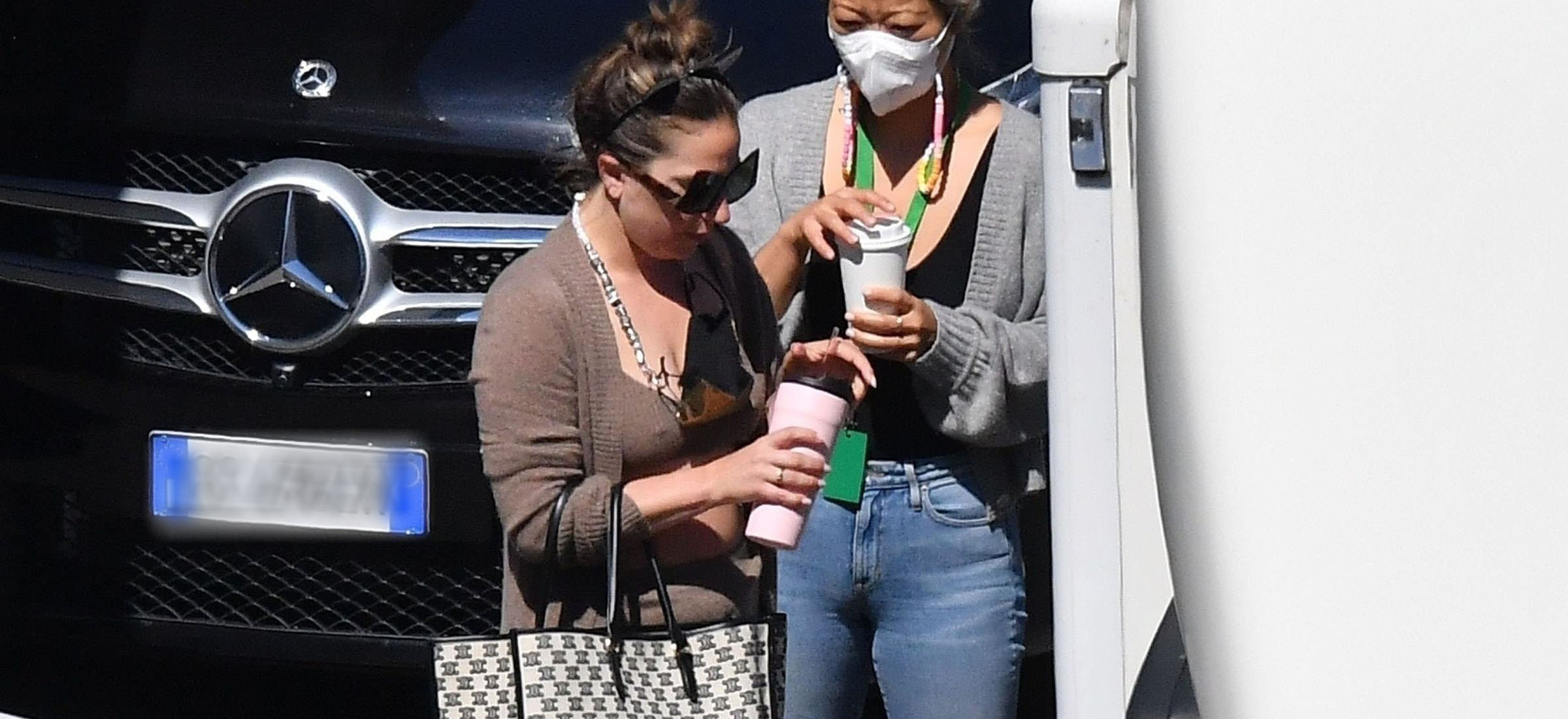 Lady Gaga was spotted once again on the set of "House of Gucci" in Rome, Italy, earlier today. The paparazzi were able to quickly take a few pictures of her leaving her changing room with her best friend, Bo. The date for when filming is expected to wrap up is still unknown, but the movie is set for release in November this year.
 -
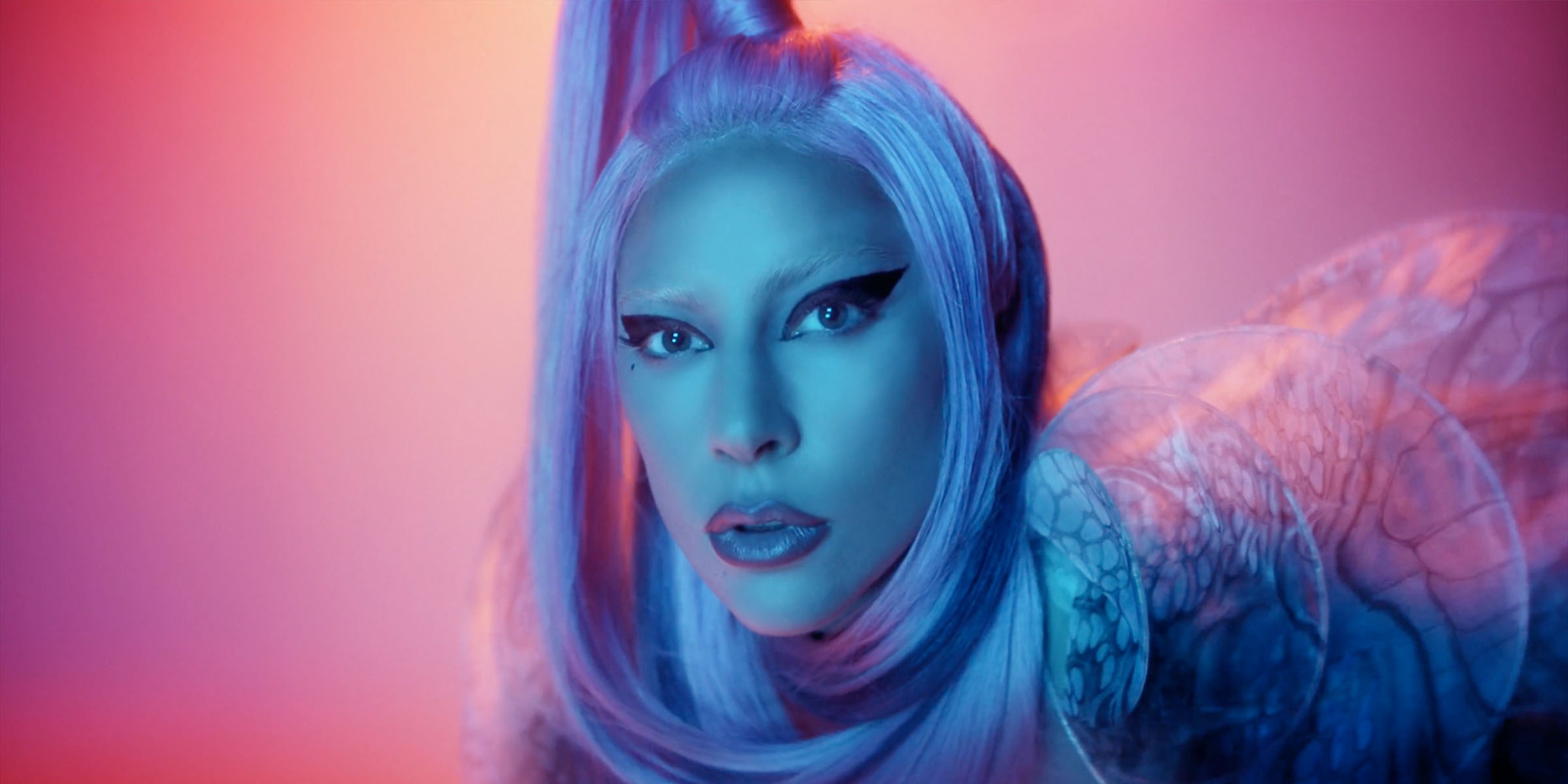 Apple has updated Lady Gaga's official Apple Music page with a new promotional video. With the new update on Apple Devices, artists can now upload animated profile pictures and covers on the platform. Lady Gaga used a backstage video from her Apple photoshoot by Andrea Carrozzini (2020).
 -

From the album: Arielle Bobb-Willis Photo Shoot [Voce Viva]
-
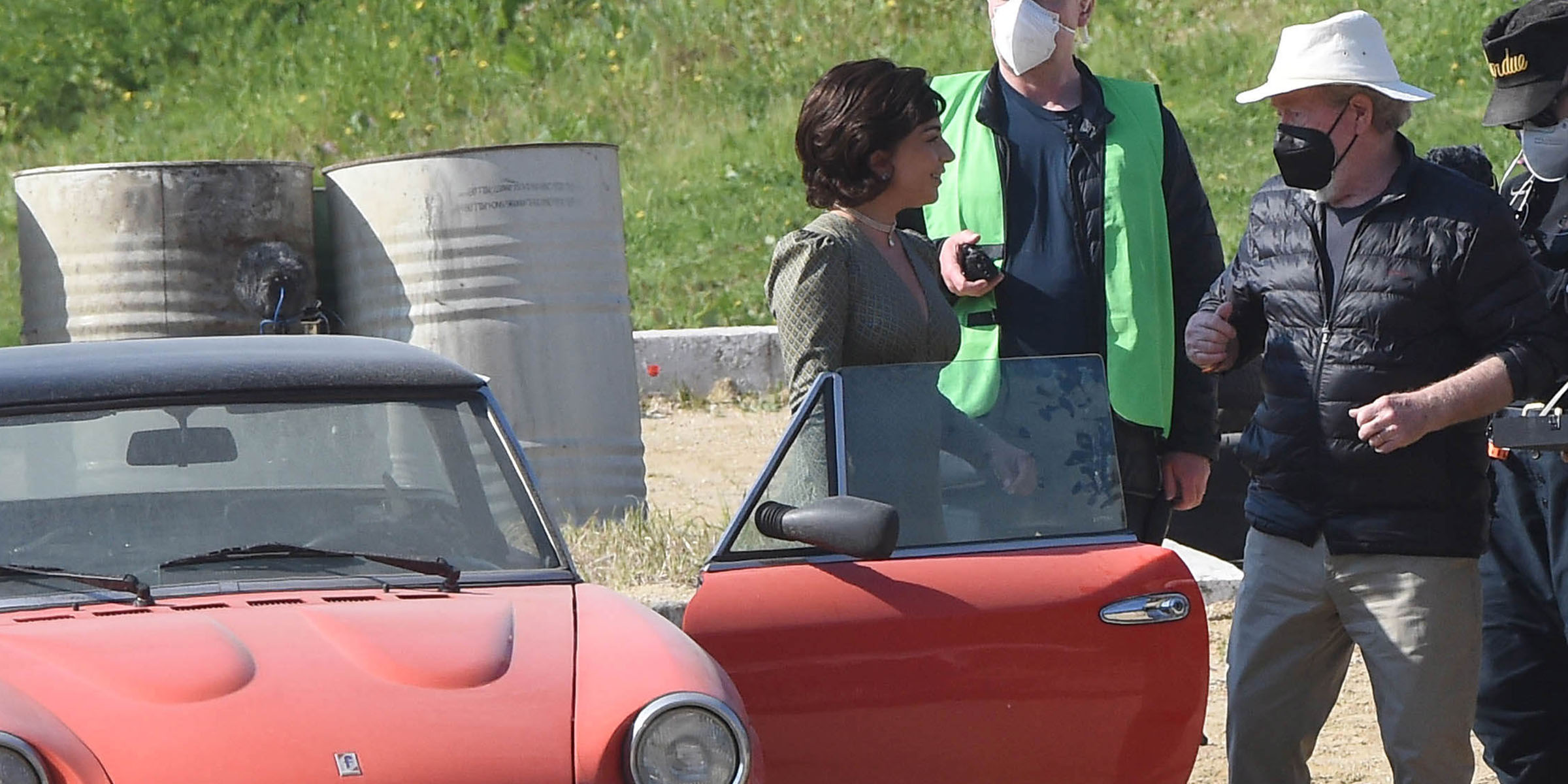 Following a few days of filming at private locations in Rome, Lady Gaga was spotted once again in the Roman suburbs, to shoot outdoor scenes for Ridley Scott's highly anticipated upcoming movie: House of Gucci. Lady Gaga was also spotted briefly two days ago, near Via del Corso in Rome.
 -
 Lady Gaga will attend Elton John's Virtual Academy Awards Pre-Party. It is unclear now if she will be speaking at the event or just attending. The event will benefit the Elton AIDS Foundation and will feature special guests such as Neil Patrick Harris and Dua Lipa. For residents of North, South and Central America, the virtual party will be streaming on April 25th at 7:00pm EDT, with a re-broadcast the following day. For residents of the UK, Europe, Australia, New Zealand and Asia, the party will be streaming on April 26th. You can watch the event live, purchasing a digital ticket for only $19.99 / £14.99 on Ticketmaster.com. More details coming soon.
 -
 Guinness World Records credits Lady Gaga as the first female artist to achieve four 10-million-selling singles. It is no secret that Lady Gaga is known all around the world. Not only has she proven to be a terrific actress (she was nominated for an Academy Award for her role in "A Star is Born"), her iconic hit songs shaped and influenced many generations, creating an iconic legacy that has not yet met an end. Since her very first album, The Fame (2008), Lady Gaga proved to the world that she knew how to change the game, spawning hit singles like Just Dance and Poker Face that broke any record know at the time. As if that wasn't enough, the re-edition of The Fame, called The Fame Monster (2009), impacted the music industry so greatly that many artists today are still inspired by her iconic music videos, such as Bad Romance and Telephone. After a career full of wins, today we're celebrating another huge milestone: Lady Gaga has officially become the first female artist to have 4 singles that have sold more than 10 million copies worldwide. The Guinness World Record States: Lady Gaga (USA, b. Stefani Germanotta) was the first female artist to sell 10 million copies of three singles worldwide: “Just Dance” (2008), “Poker Face” (2008) and “Bad Romance” (2009). More recently, Lady Gaga’s A Star Is Born duet with Bradley Cooper, “Shallow” (2018), gave her a fourth 10-million-selling single to take her clear of Katy Perry, Rihanna, and Adele, who have all completed their own hat-trick of 10-million-sellers. Lady Gaga has appeared six times – more than any other female artist – on the International Federation of the Phonographic Industry’s (IFPI) annual Global Top Digital Singles chart: “Poker Face” (No.1 in 2009), “Just Dance” (No.4 in 2009), “Bad Romance” (No.2 in 2010), “Telephone” (No.4 in 2010), “Born this Way” (No.6 in 2011) and “Shallow” (No.8 in 2019). “Shallow” shifted 10.2 million copies worldwide in 2019. Lady Gaga, who released her 6th album "Chromatica" last year, winning another Grammy Award for its hit single Rain On Me with Ariana Grande, is currently in Italy filming Ridley Scott's upcoming movie "House of Gucci" with Academy Award nominees Adam Driver and Salma Hayek and winners Jared Leto and Al Pacino. The movie is anticipated for a November release in theatres worldwide. Source.
 -
-
From the album: Free Woman [Remixes]
-
-
-
-
-
 Lady Gaga and Adam were spotted on the set of "House of Gucci" today in Rome, dressed as a bride and groom. Gaga is currently in Rome, with House of Gucci’s co-actors Adam Driver and Jared Leto, to shoot a wedding scene at Chiesa Di Santa Maria In Portico In Campitelli. The two stars looked elegant today in their wedding attire while filming. Their resemblance to Patrizia Reggiani and Maurizio Gucci are even more stark in these new set of photos. Later the same day, the cast moved to a different location to shoot different scenes with Lady Gaga, Jared Leto & Adam Driver. Filming for "House of Gucci" is set to wrap up later this month, the movie is still slated for its original theatrical release of November 24th, 2021. Check our gallery for more pictures: https://bit.ly/2PODnm1
 -
-
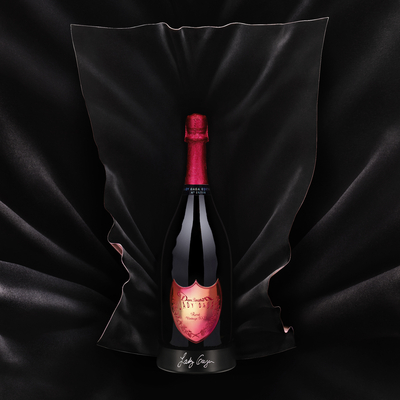
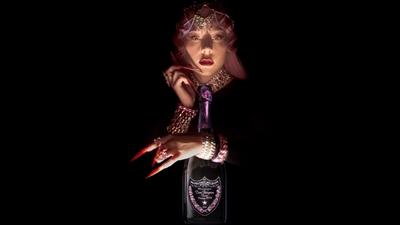
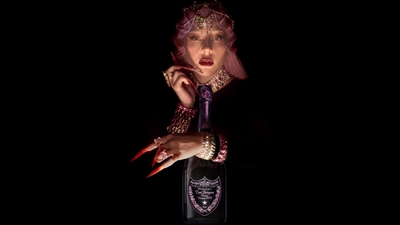
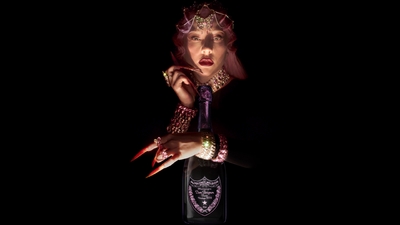
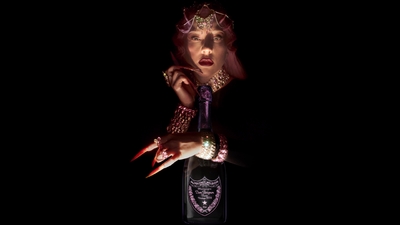
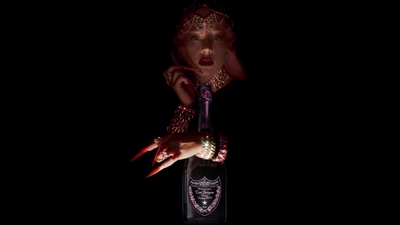
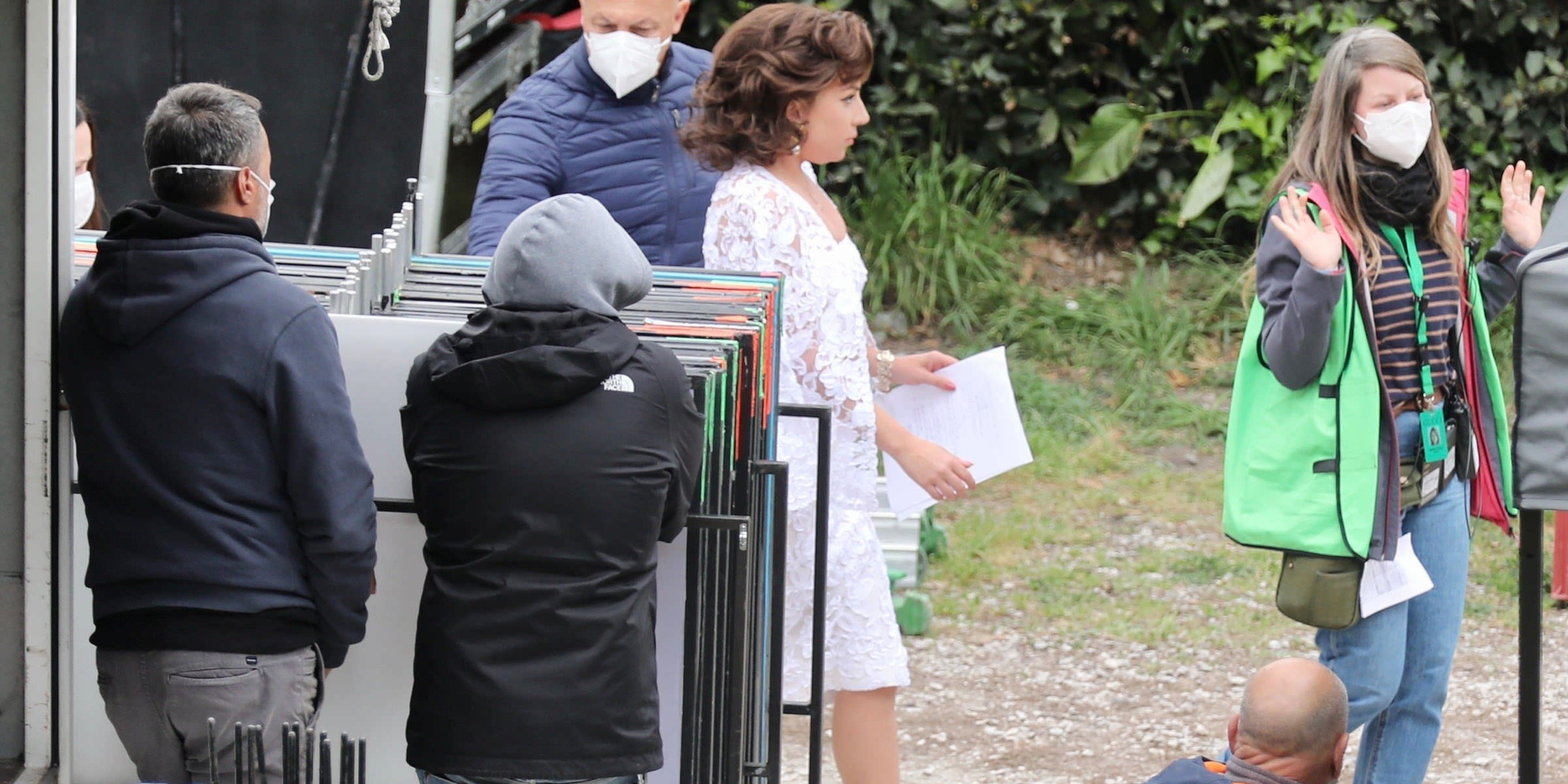 Following a few days off for the Easter holidays, and the launch of her new collaboration with Dom Pérignon, Lady Gaga and the cast of Ridley Scott’s upcoming movie, are back on the set of "House of Gucci" in Rome. After posting a selfie from her hotel in Rome, Lady Gaga was spotted with male co-star Adam Driver, wearing the same dress she wore on a scene filmed in Como last month. The filming of "House of Gucci" should end later this month. Lady Gaga, who will also be the narrator of the movie, is the leading actress alongside the stellar cast of Adam Driver, Al Pacino, Salma Hayek, and Jared Leto.
 -
-
From the album: The Queendom Screencaps [4k]
-
From the album: The Queendom Screencaps [4k]
-
From the album: The Queendom Screencaps [4k]
-
From the album: The Queendom Screencaps [4k]
-
From the album: The Queendom Screencaps [4k]






.jpg.4aee50e38598f2fbc64dbeaf0a40683e.jpg)