Matt
★ Administrator
-
Joined
-
Last visited
Everything posted by Matt
-
House of Gucci Release - Anniversary
-
Disease Single Release - Anniversary
-
-
American Horror Story: Hotel Premiere - Anniversary
-
Joker: Folie à Deux Worldwide Release - Anniversary
-
A Star Is Born WorldWide Release - Anniversary
-
Love For Sale Album Release - Anniversary
-
-
-
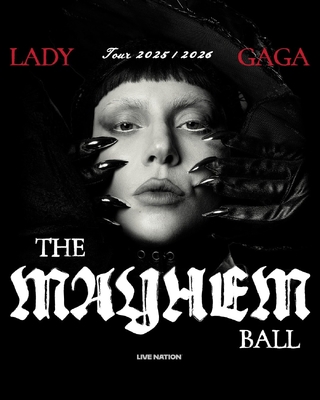
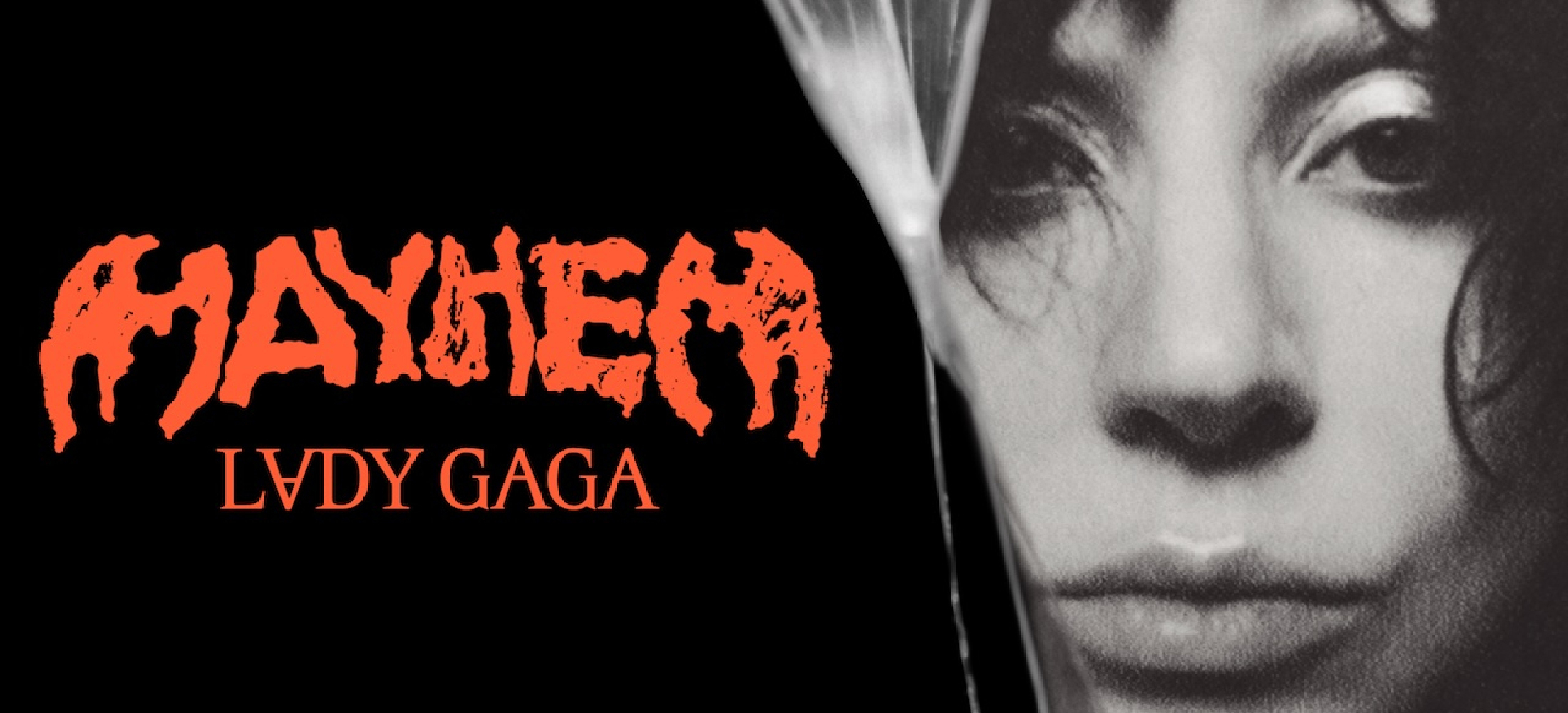 After winning the case against Lost Surfboards, Lady Gaga is claiming $250,000 in legal expenses from the company. The company sued Lady Gaga last year, claiming that her use of the “MAYHEM” name was deceptive and created confusion with the company’s surfboard brand of the same name. Their first injunction, which asked Lady Gaga to stop using the name “MAYHEM” on her tour and merchandise, was promptly rejected by a judge last year. The lawsuit as a whole was finally dismissed last month by a federal judge, who ruled that no one would ever associate Lady Gaga’s use of “MAYHEM” with the surfboard brand. Gaga’s attorneys called the lawsuit “a publicity stunt” and are now asking Lost Surfboards to repay all the legal fees incurred during the trial. Source.
 -
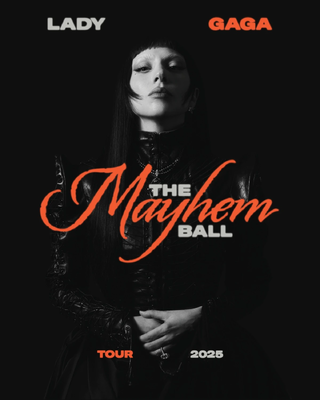
From the album: Official Posters
-
-
The Dead Dance Single Release - Anniversary
-
Joker: Folie à Deux Premiere - Anniversary
-
Gaga: Five Foot Two Premiere – Anniversary
-
Gaga: Five Foot Two – Anniversary
-
Dawn of Chromatica - Anniversary
-
-
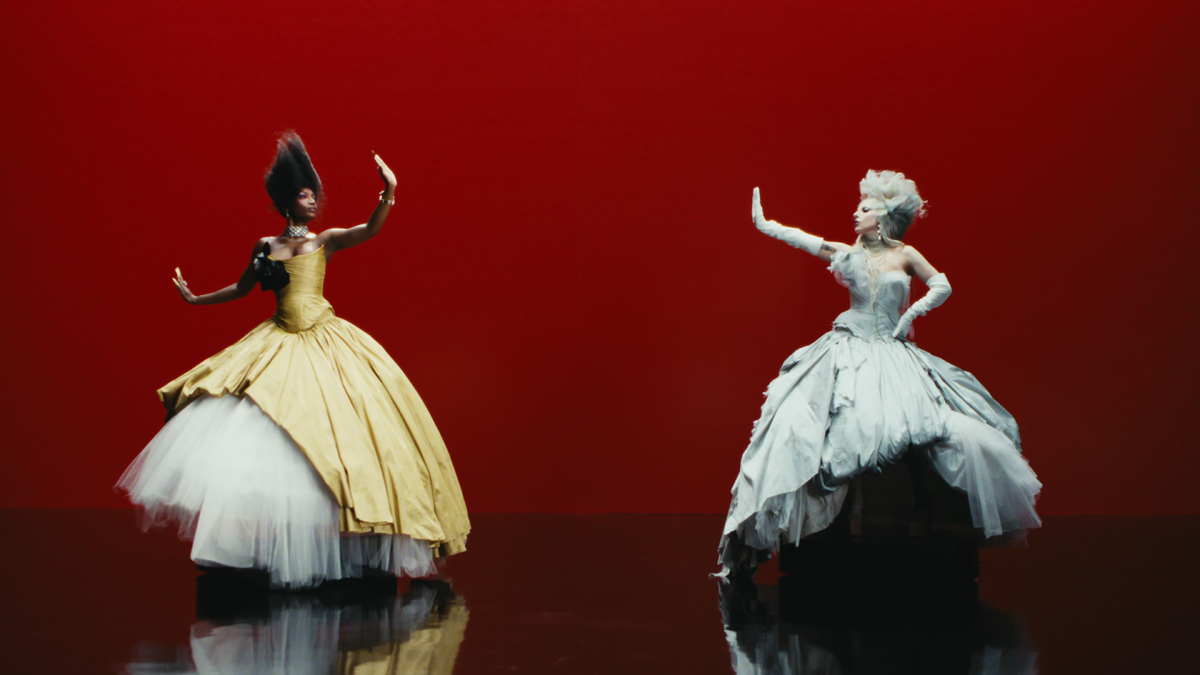 Lady Gaga and Doechii's music video for “Runway” has been nominated for Best Dance Video at the 2026 MTV Video Music Awards. This is Lady Gaga's 53rd VMA nomination and first since leading the nominations for last year’s ceremony with 12 nods. To date, Gaga has earned 22 VMA awards, most recently Best Collaboration, Best Direction, Best Art Direction and Artist of the Year in 2025. It is Doechii’s seventh VMA nomination. The song served as a soundtrack single for the hit sequel The Devil Wears Prada 2, alongside two other Lady Gaga tracks: “Glamorous Life” and “Shape of a Woman,” the latter of which was also performed by Lady Gaga herself in a scene from the movie. The 2026 MTV Video Music Awards ceremony will take place on September 27.
 -
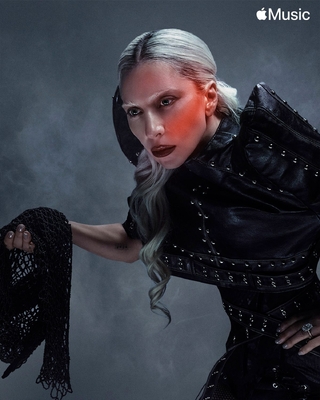
From the album: Promotional Images
-
-
From the album: Stills
-
-

From the album: Stills
-