BREAKING
-
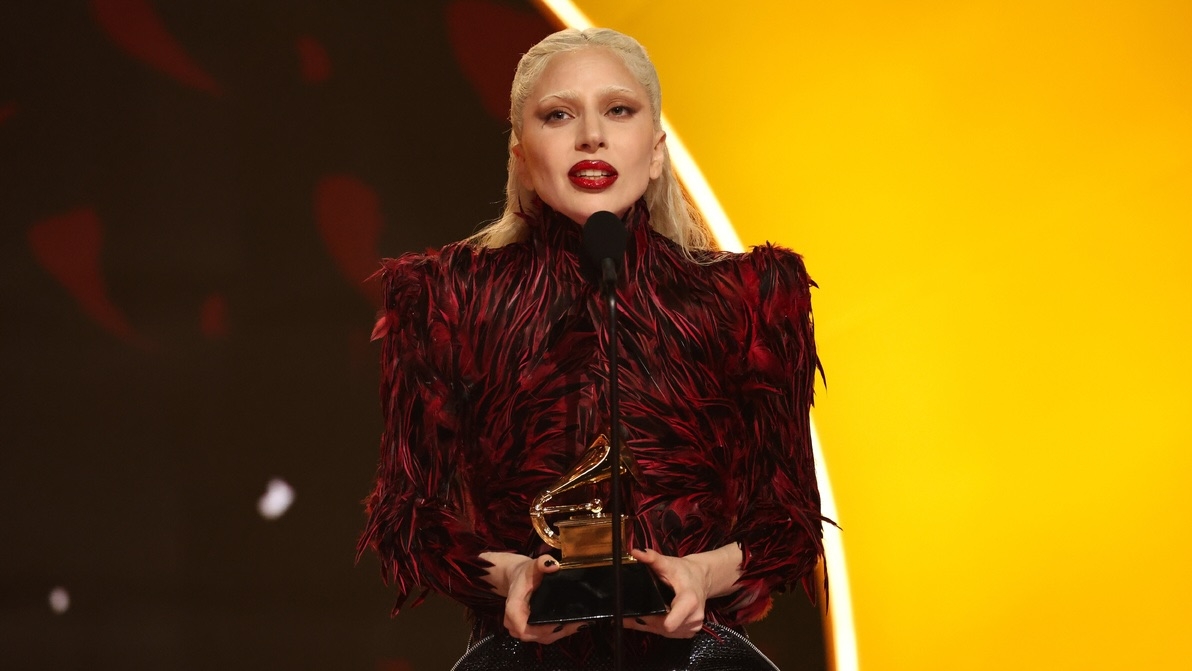
With nominations for the 69th Annual Grammy Awards set to be announced Nov. 16, 2026, there's a chance Lady Gaga scores a few nominations at the 2027 ceremony. The eligibility period ran from Aug. 31, 2025, through Aug. 28, 2026, meaning "The Dead Dance," "Apple Music Live: MAYHEM Requiem" and Gaga's contributions to The Devil Wears Prada 2's soundtrack all have a chance of being nominated. Here are Gaga's submissions for next year's ceremony, according to The Grammy Guru: Apple Music Live: MAYH
- 3,377 views

Latest News
-
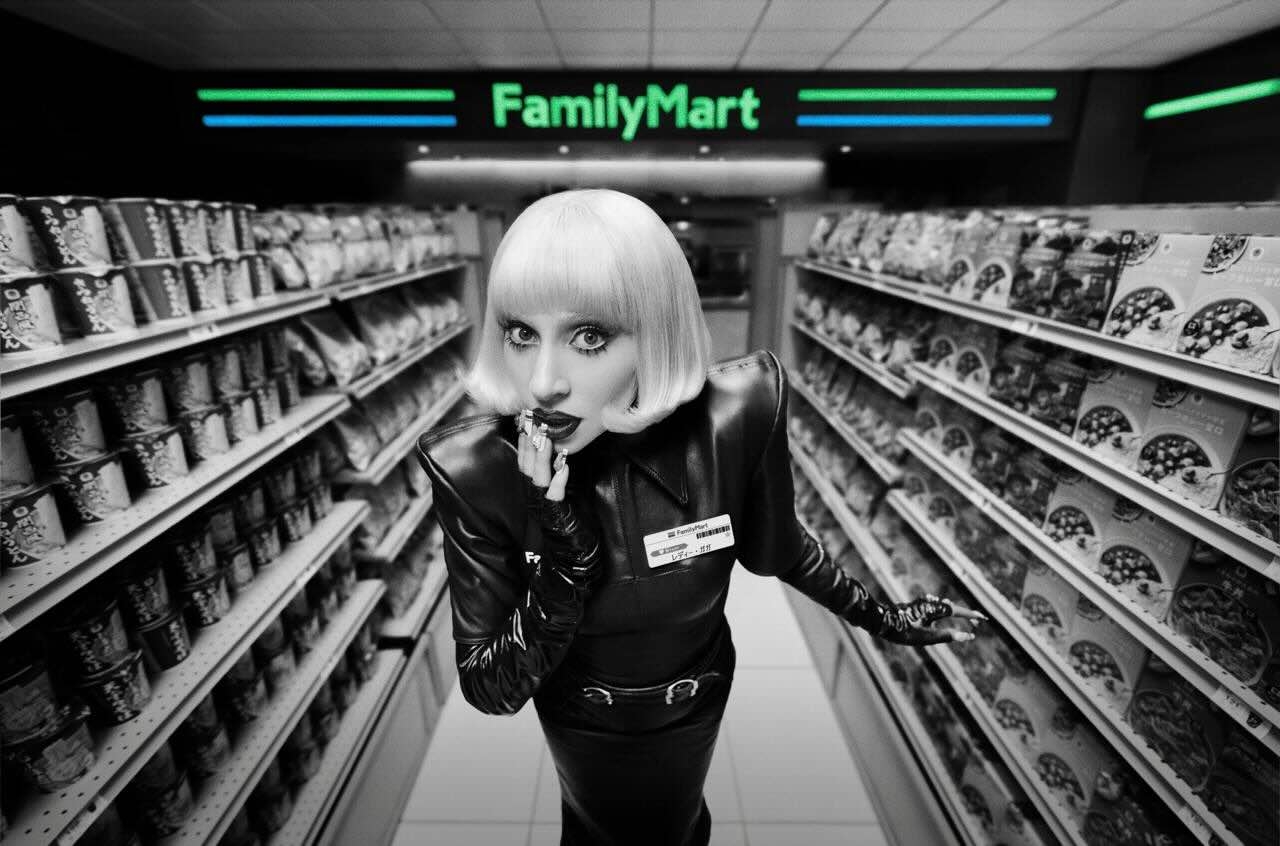
Lady Gaga has returned to the screen, but not in the way fans might assume: She is the newly appointed campaign ambassador for Japanese convenience store chain FamilyMart, and she stars in the franchise's new commercial. Watch here: The commercial, set to "Killah" from last year's MAYHEM, sees Lady Gaga in a blonde bob wig wearing a fashionable, edgy take on the typical FamilyMart uniform. She plays the role of a FamilyMart employee, working the cash register, mopping the floors and restocking s
- 4,346 views
-
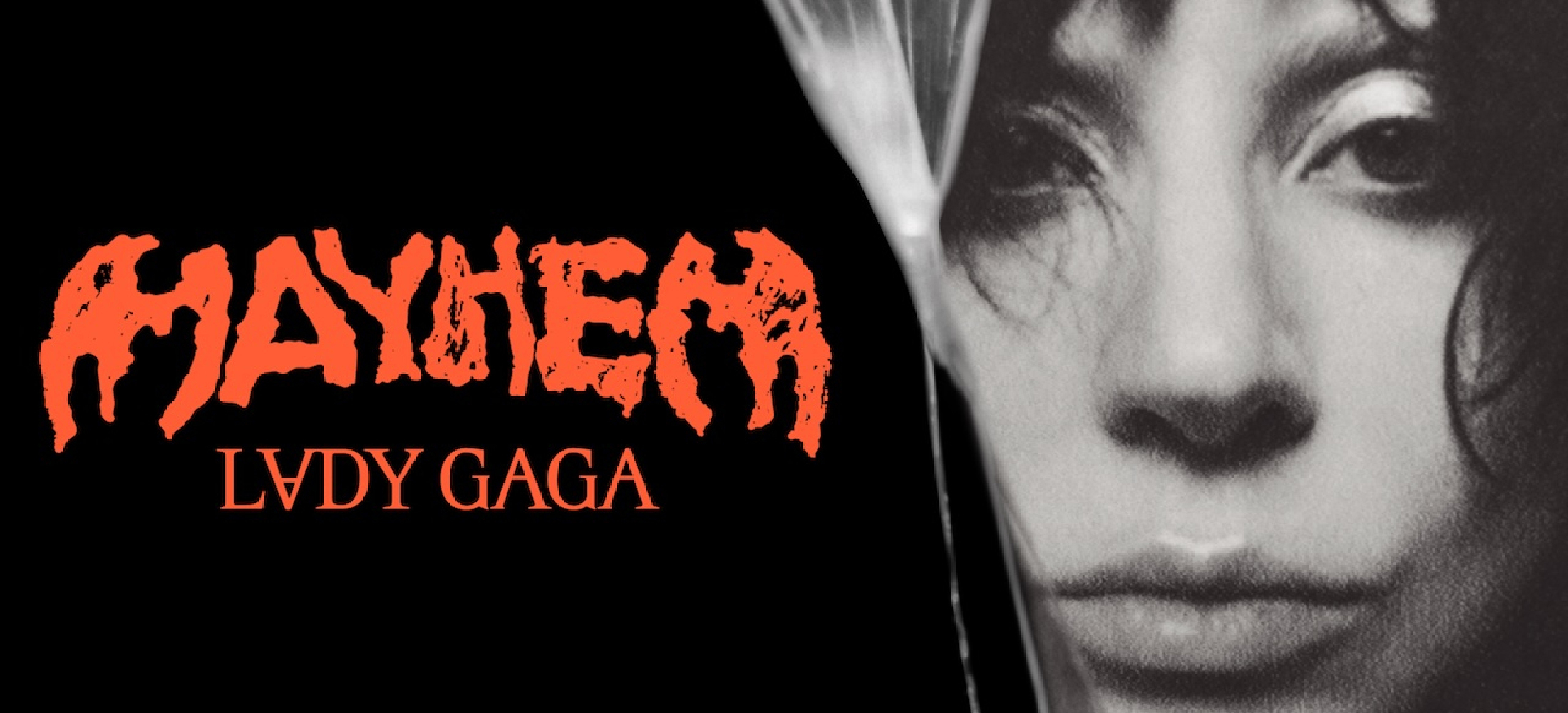
After winning the case against Lost Surfboards, Lady Gaga is claiming $250,000 in legal expenses from the company. The company sued Lady Gaga last year, claiming that her use of the “MAYHEM” name was deceptive and created confusion with the company’s surfboard brand of the same name. Their first injunction, which asked Lady Gaga to stop using the name “MAYHEM” on her tour and merchandise, was promptly rejected by a judge last year. The lawsuit as a whole was finally dismissed last month by a fe
- 7,985 views
-
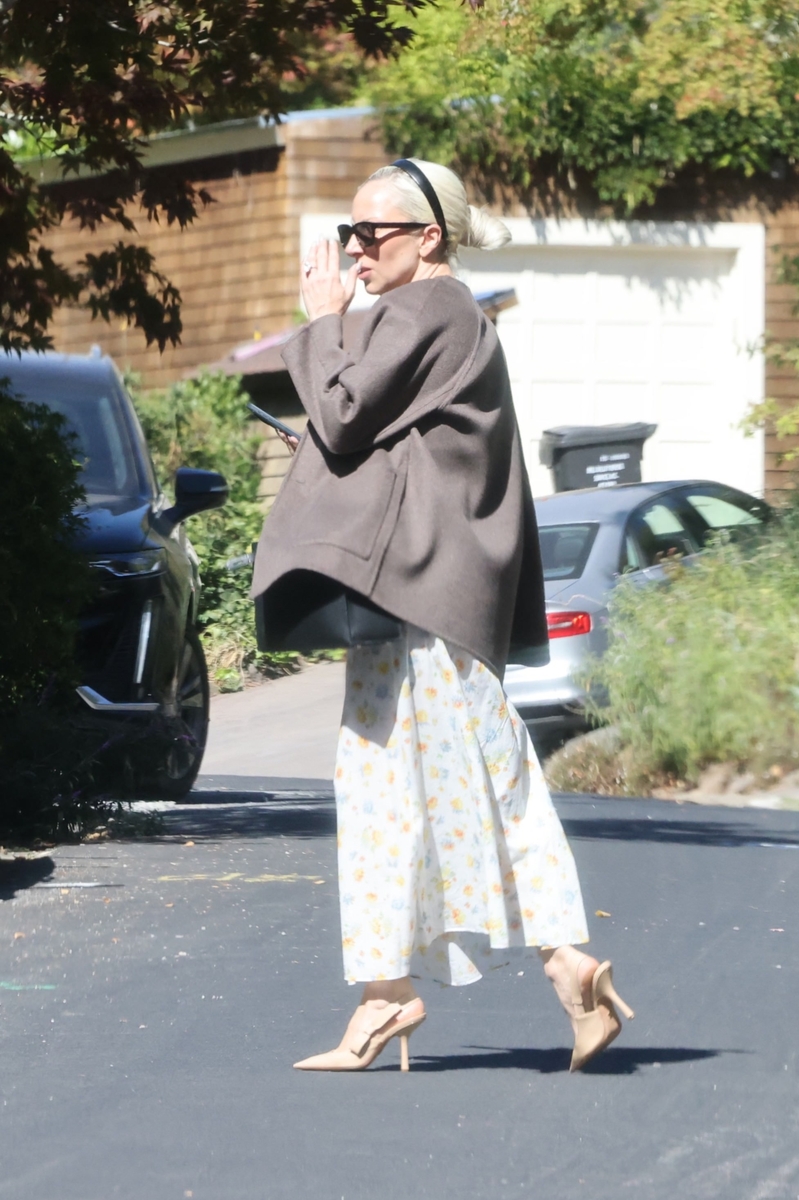
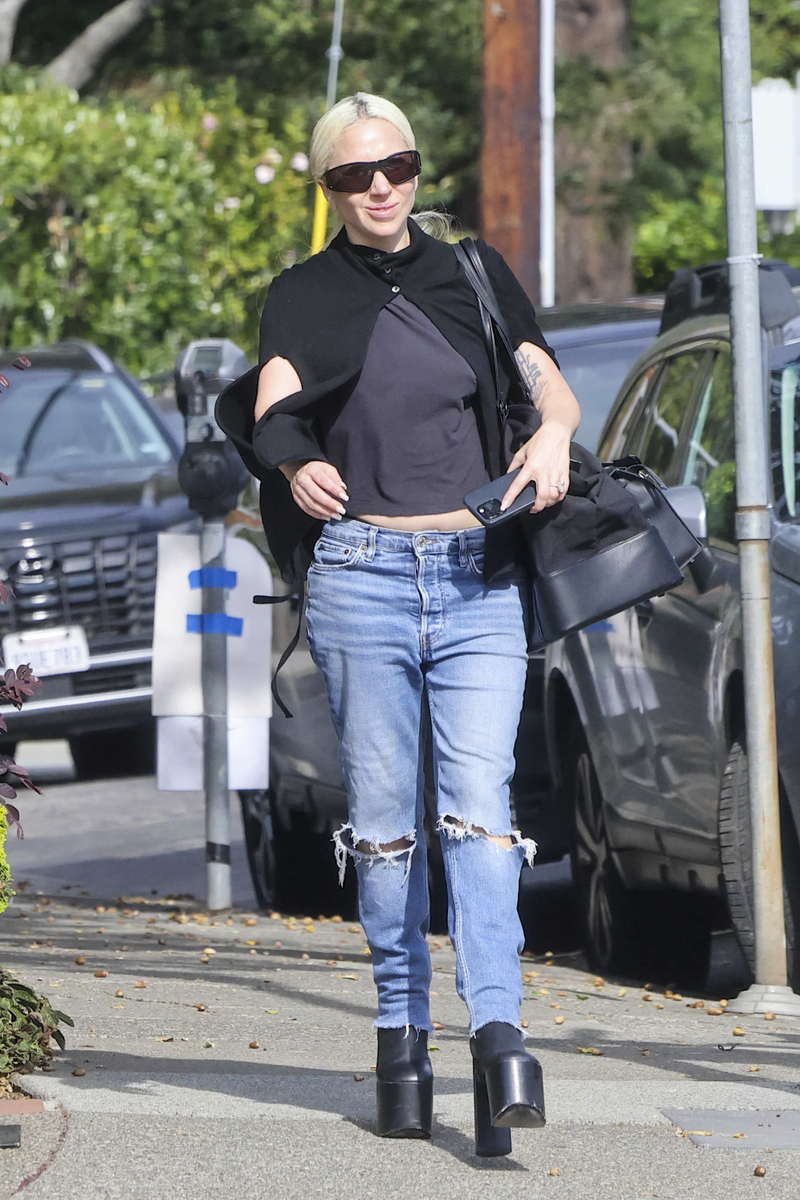
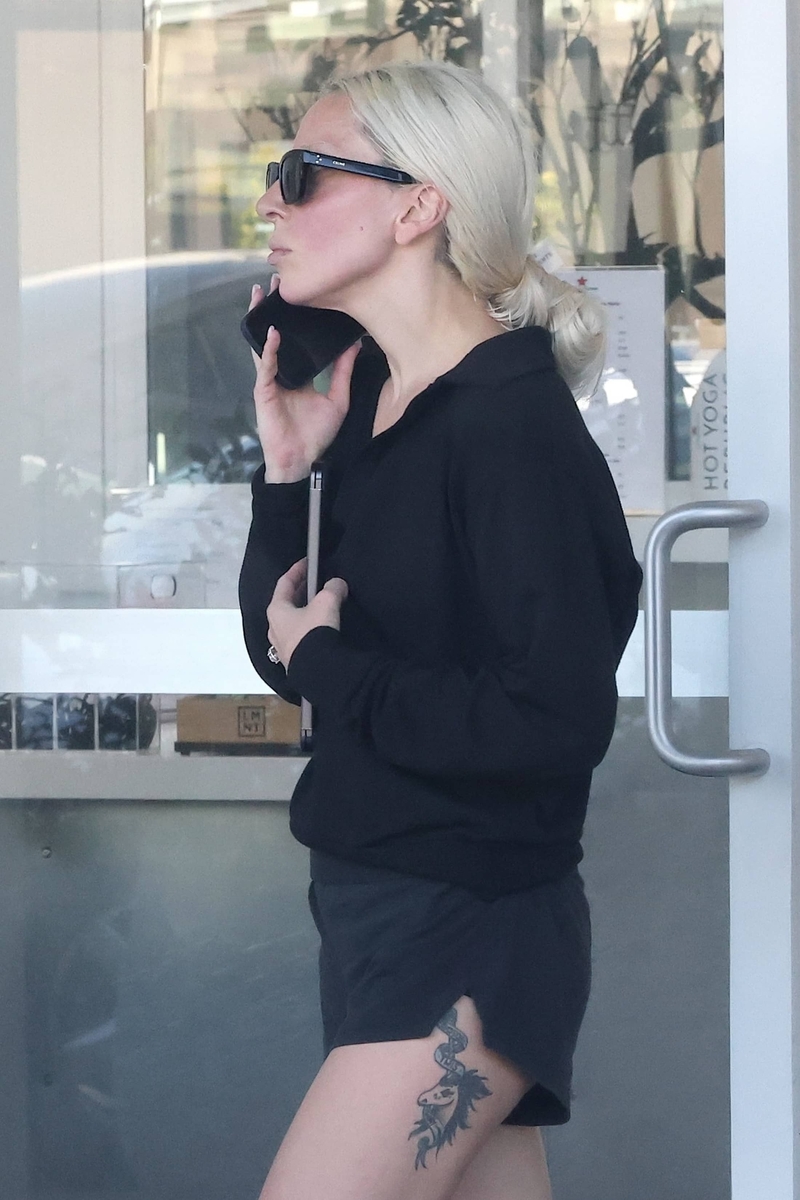
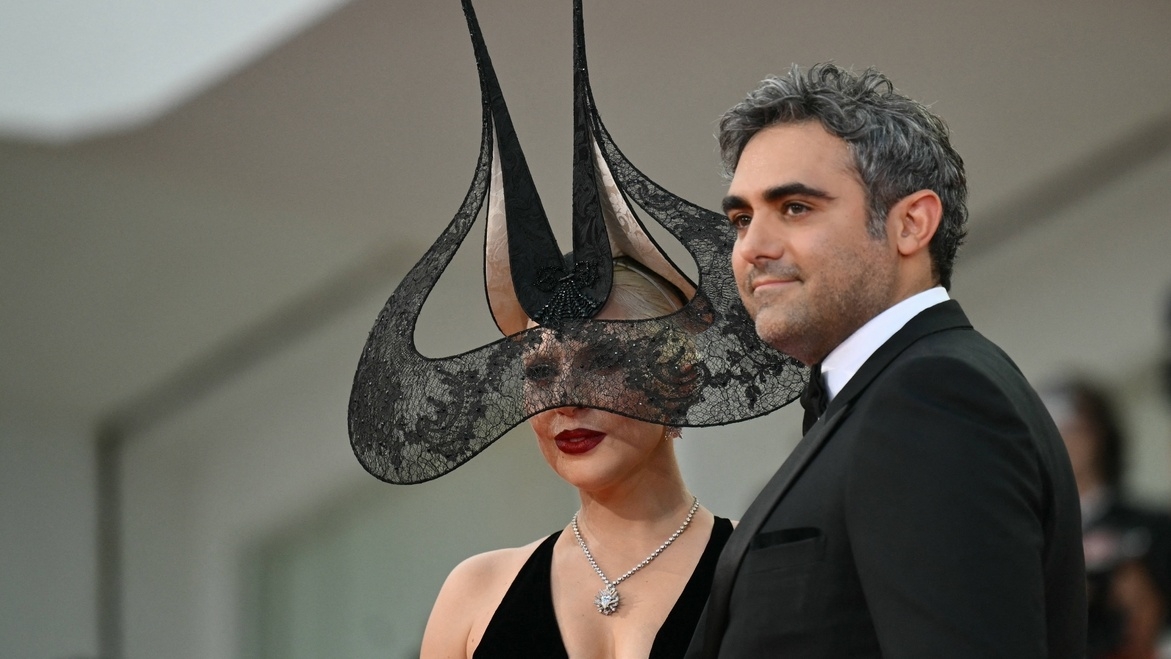
Lady Gaga has been spotted arriving in Los Angeles with her new baby and fiancé Michael Polansky on Sunday, September 13, with new photos obtained by the Daily Mail. See the full gallery here.
- 4,576 views
-
Lady Gaga publicized details about Outer Bio, a skin health research company co-founded by her fiance Michael Polansky, in a tweet Friday night, August 21, 2026. Gaga's involvement with the research firm was first revealed in her November 2025 Rolling Stone cover story, in which Polansky said, "It was her idea. She's officially on the board of directors, but they've kepy her name out of it until now. The attention that Stefani's involvement would bring wasn't necessary – it's not consumer-facing
- 8,783 views



Latest Updated Albums
-
- 11 images
By Matt -
- 10 images
By Matt -
- 34 images
By Matt -
- 11 images
By Matt -
- 12 images
By Matt