Matt
★ Administrator
-
Joined
-
Last visited
Everything posted by Matt
-
-
-
-
-
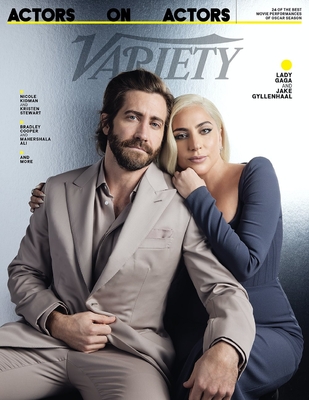
From the album: Cliff Watts Photo Shoot [Variety]
-
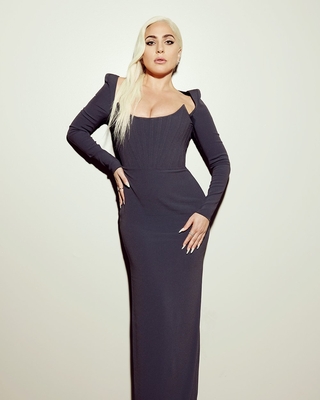
From the album: Cliff Watts Photo Shoot [Variety]
-

From the album: Cliff Watts Photo Shoot [Variety]
-
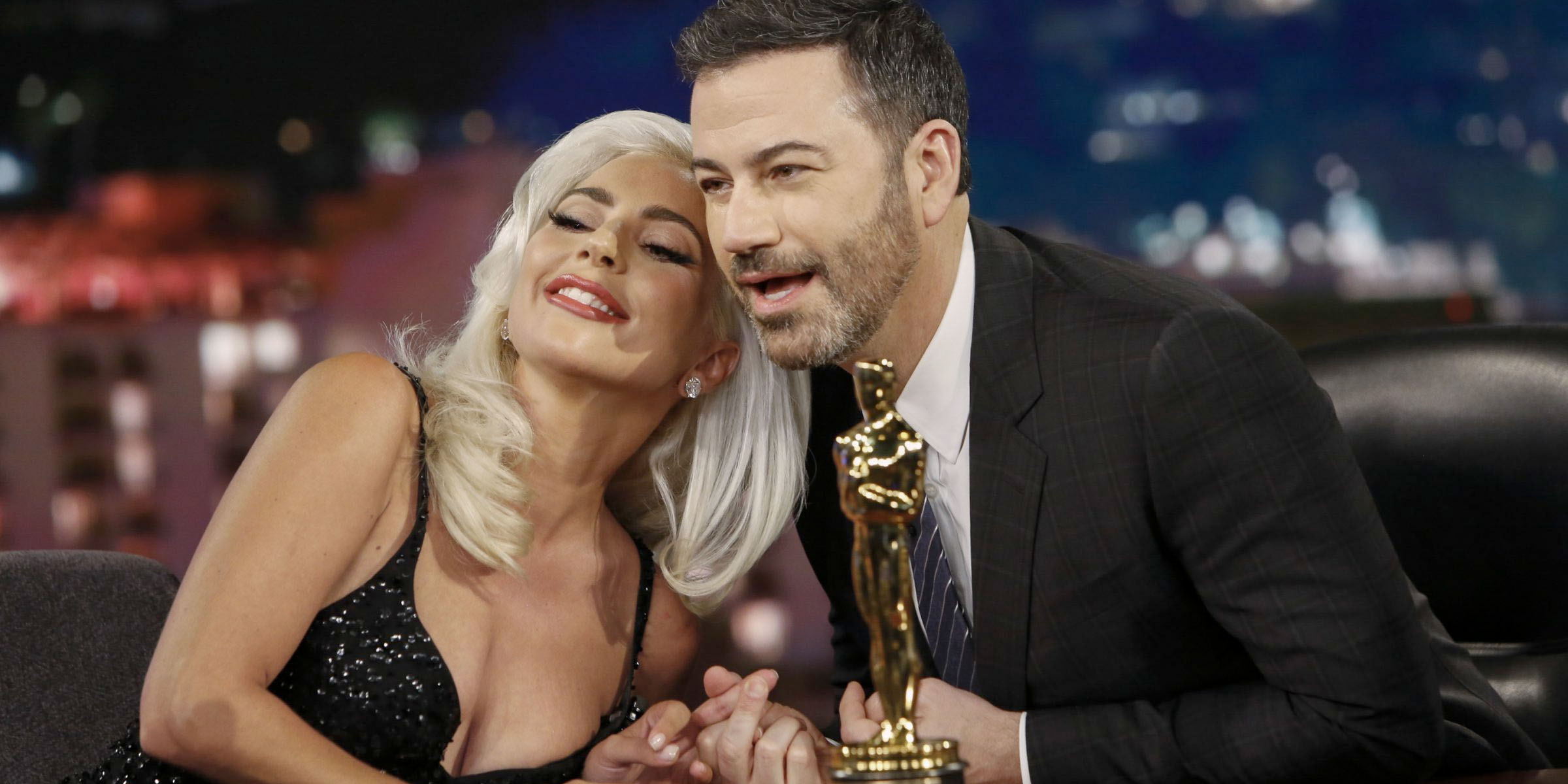 Lady Gaga is set to appear on Jimmy Kimmel Live! on Monday, January 24th. Tickets for the show are already sold out. The last time Lady Gaga attended the show was right after winning her first Academy Award for A Star is Born back in 2019.
 -
 LadyGagaNow is kicking off our Winter Sales in our merchandise shop! Time to save BIG on our collection of products and styles, featuring premium-quality materials and prints. Starting today through February 28th, save up to 50% off select designs, including some of our latest new drops. Don't miss out, and thank you for supporting us. SHOP NOW NOTE: LGN Shop Winter Sales are on for a limited time and reduced prices are subject to change. Selection will vary throughout the Winter Sales period. Discounts are specific to certain colors and sizes.
 -
 "One Last Time: An Evening With Tony Bennett and Lady Gaga" will premiere this Friday, January 21st, at 8 pm GMT on MTV. The CBS special that aired exclusively in the US last month, is finally coming to Europe to celebrate the sublime collaboration between Lady Gaga and jazz legend Tony Bennett. This show marks the last performance of the crooner's career. Tony Bennett announced his retirement earlier last year at 95, after the announcement of his battle with Alzheimer's disease.
 -
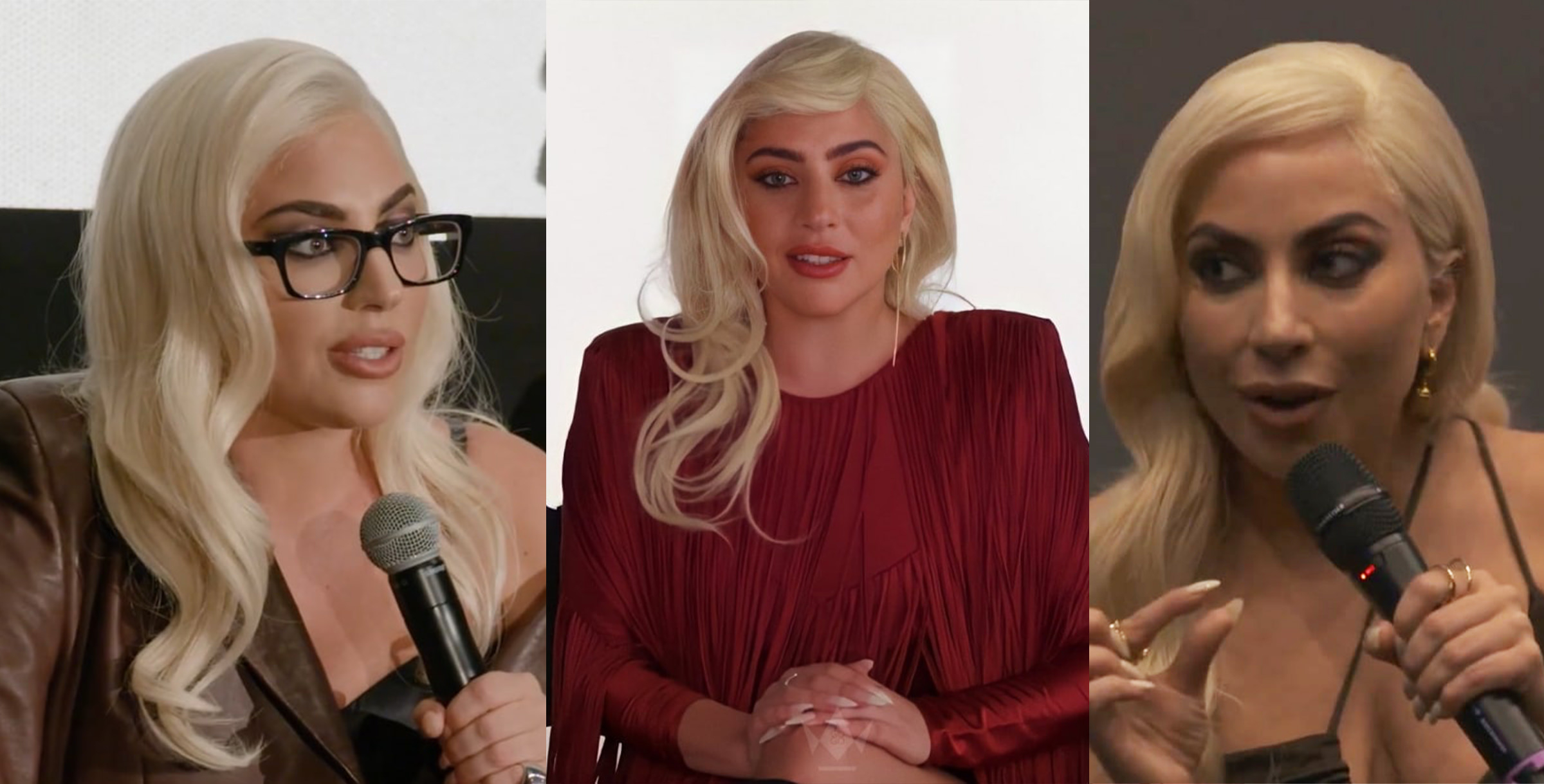 MGM has published three new interviews with Lady Gaga and the cast of House of Gucci. The panels were held a number of months ago after the first screenings of the movie in Los Angeles. You can watch them below House of Gucci recently reopened in movie theatres across the United States due to high demand. The film’s cast, namely Gaga and Jared Leto, is being recognized and celebrated by film critics around the world, and is likely to be nominated at the Academy Awards.
 -
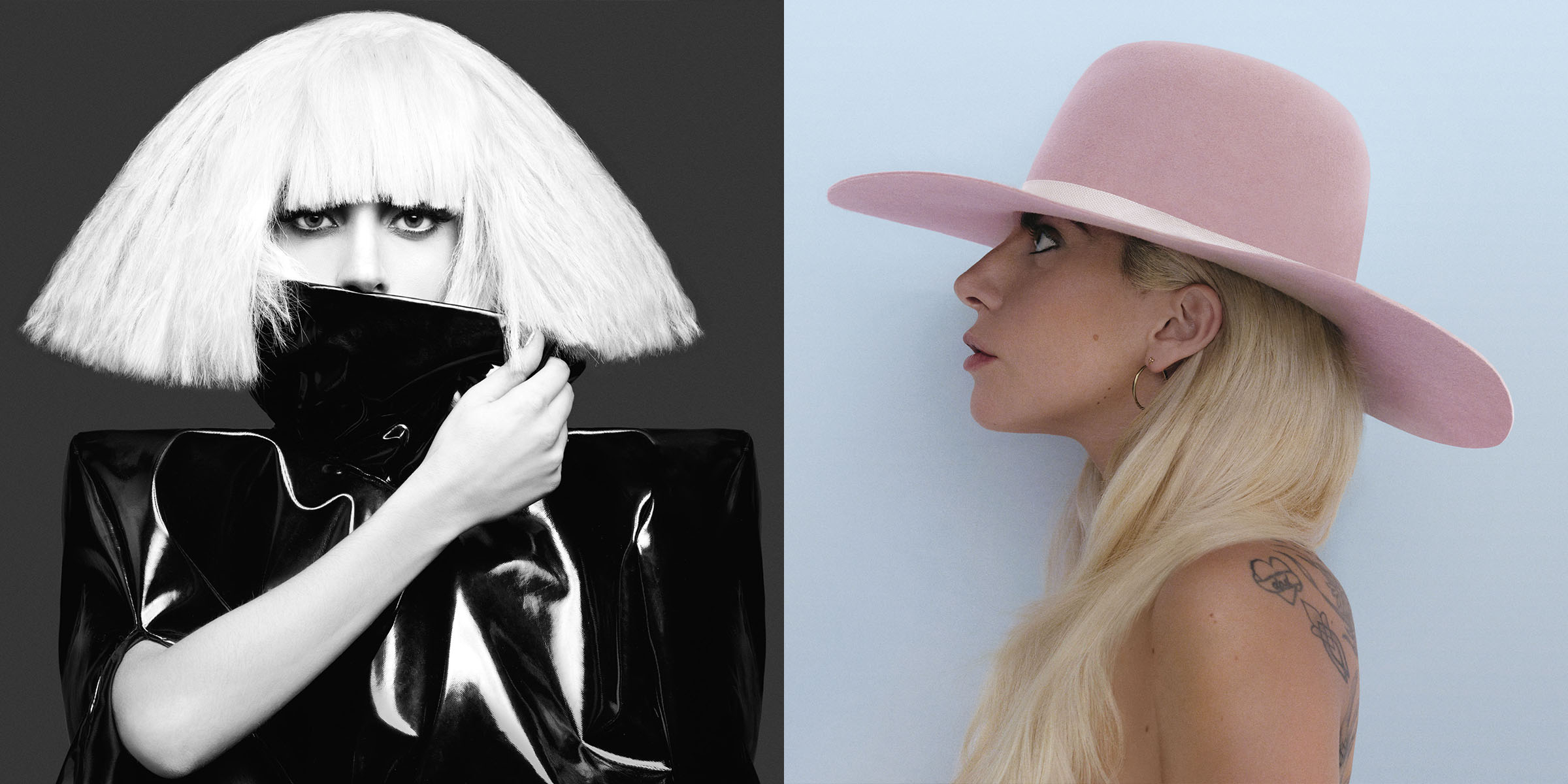 For its 30th anniversary, Interscope is releasing alternative artworks of their greatest albums reimagined by famous artists, including Lady Gaga. The exhibition called “Artists Inspired by Music: Interscope Reimagined,” will be on display from January 30th at the Los Angeles County Museum of Art and will feature more than 50 pieces. Interscope picked The Fame Monster (by Loie Hollowell) and Joanne (by Nicolas Party) from Lady Gaga’s catalog. Timed-entry general admission tickets will be released on January 20 at 10am on the museum's website. Interscope CEO Jimmy Iovine said: ”Interscope's original mission was to find the most profound artists, empower their creativity and watch what happens. For the 30th, we wanted to continue that vision by assembling the most admired visual artists and empower them with that same creative license to honor the musical artists we have worked with over three decades." Fans will also be able to listen to the artists’ music at the exhibition with a special augmented reality filter available on Snapchat. In addition, a special signed version of the artworks will be available to purchase for $2500 here as vinyl. Source.
 -
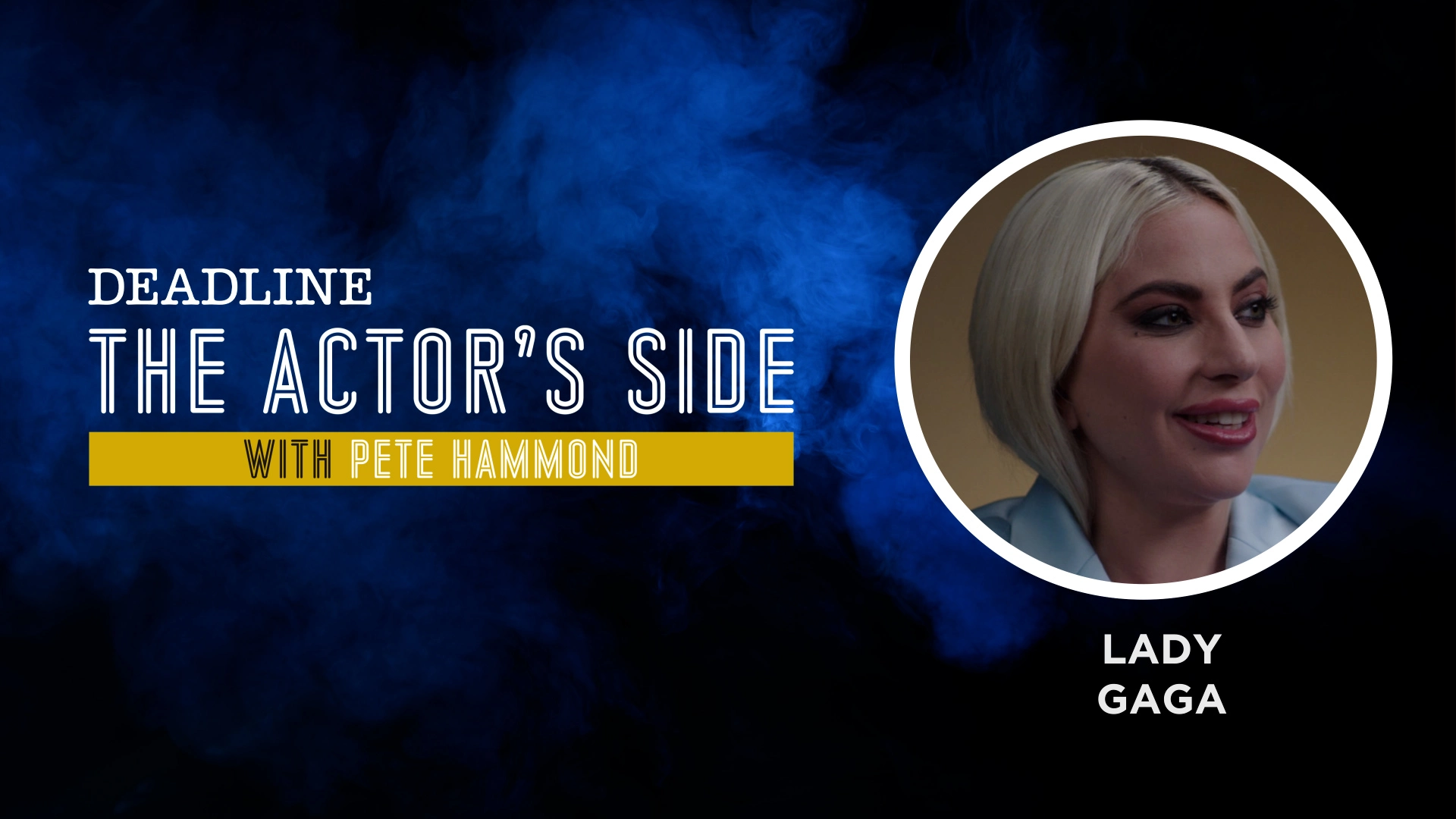 Deadline has just published a new interview with Lady Gaga on her role in "House of Gucci". Lady Gaga talked about her preparation to get into the role of Patrizia Reggiani in House of Gucci, her past as an actress at a young age, and her feelings towards the real Patrizia. You can watch the full interview on Deadline.com
 -
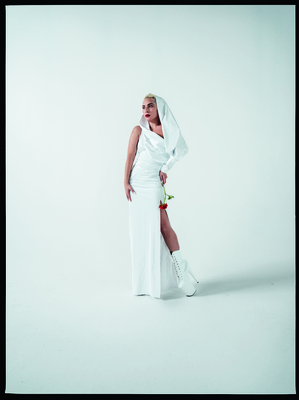
From the album: Tim Walker Photo Shoot [W Magazine]
-
-
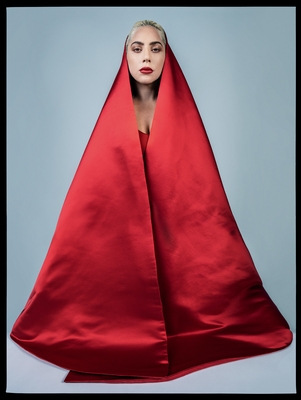
From the album: Tim Walker Photo Shoot [W Magazine]
-
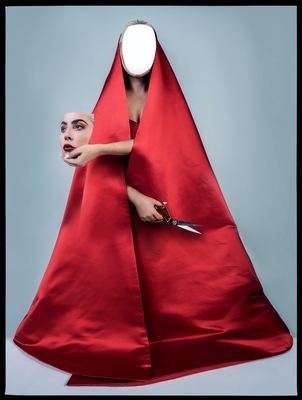
From the album: Tim Walker Photo Shoot [W Magazine]
-

From the album: Tim Walker Photo Shoot [W Magazine]
-
-
-
-
-
-

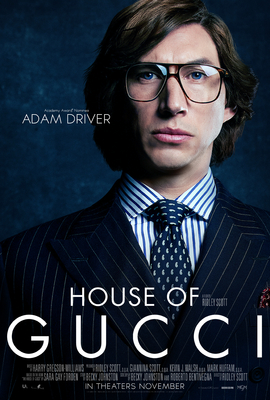
From the album: House of Gucci Promotional Posters
-
-
appletv.jpg
-
 salma_pina_poster.jpg
-
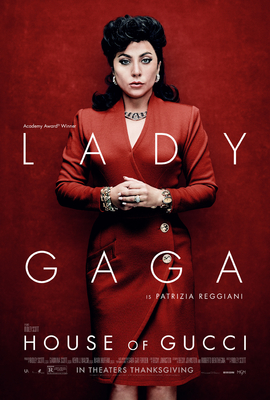 patrizia.jpg
-
 adam.jpg
-
 jared.jpg
-
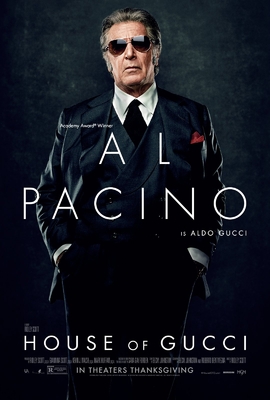 alpacino.jpg
-
 jeremy.jpg
-
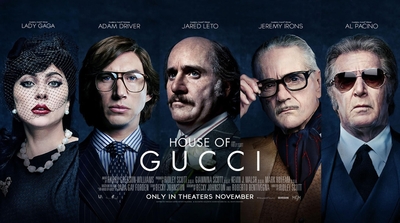 gagaimages_012.jpg
-
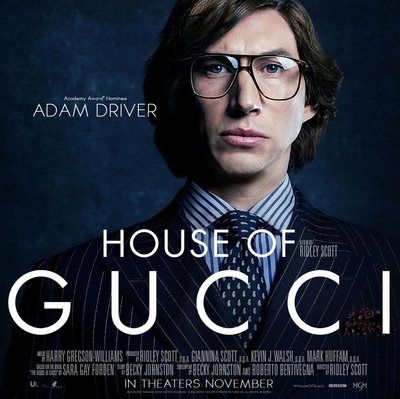 gagaimages_009.jpg
-
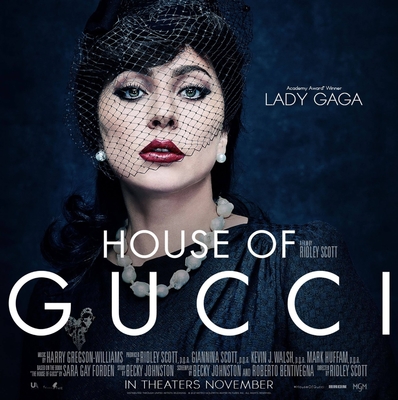 gagaimages_008.jpg
-
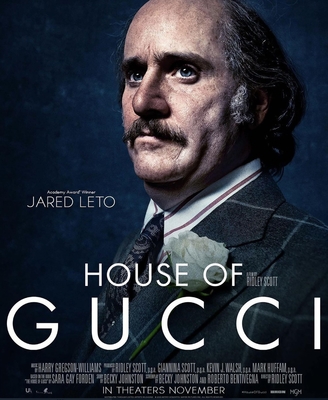 gagaimages_007.jpg
-
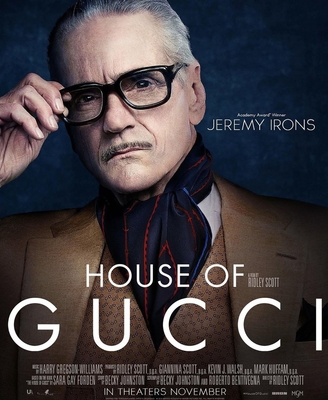 gagaimages_010.jpg
-
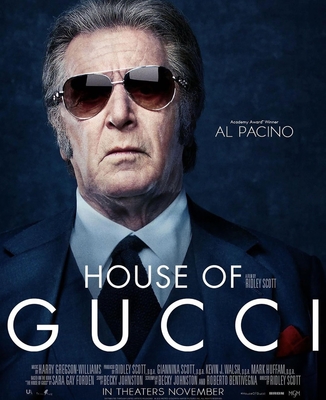 gagaimages_011.jpg
-
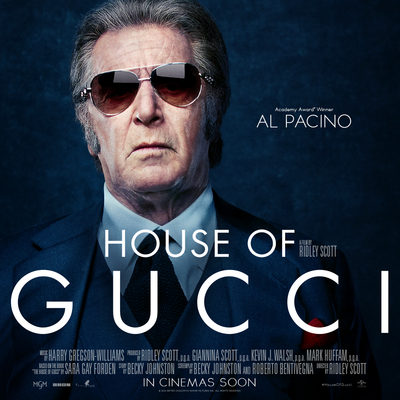 E7etlL1XsAMKUVZ.jpg
-
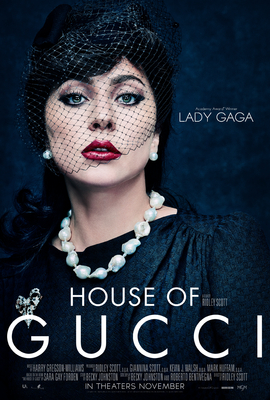 gagaimages_002.jpg
-
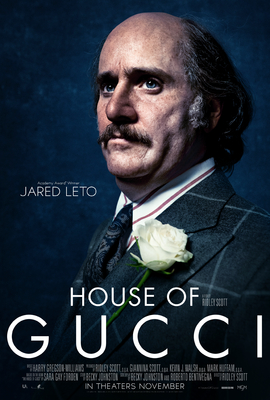 gagaimages_004.jpg
-
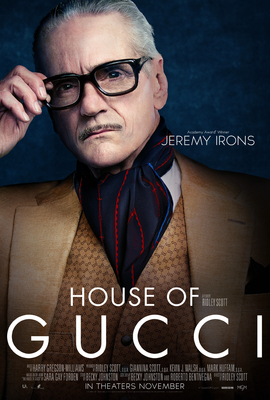 gagaimages_005.jpg
-
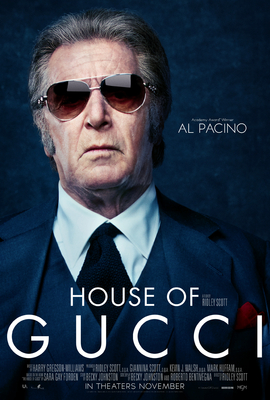 gagaimages_003.jpg
-
 gagaimages_001.jpg
-