


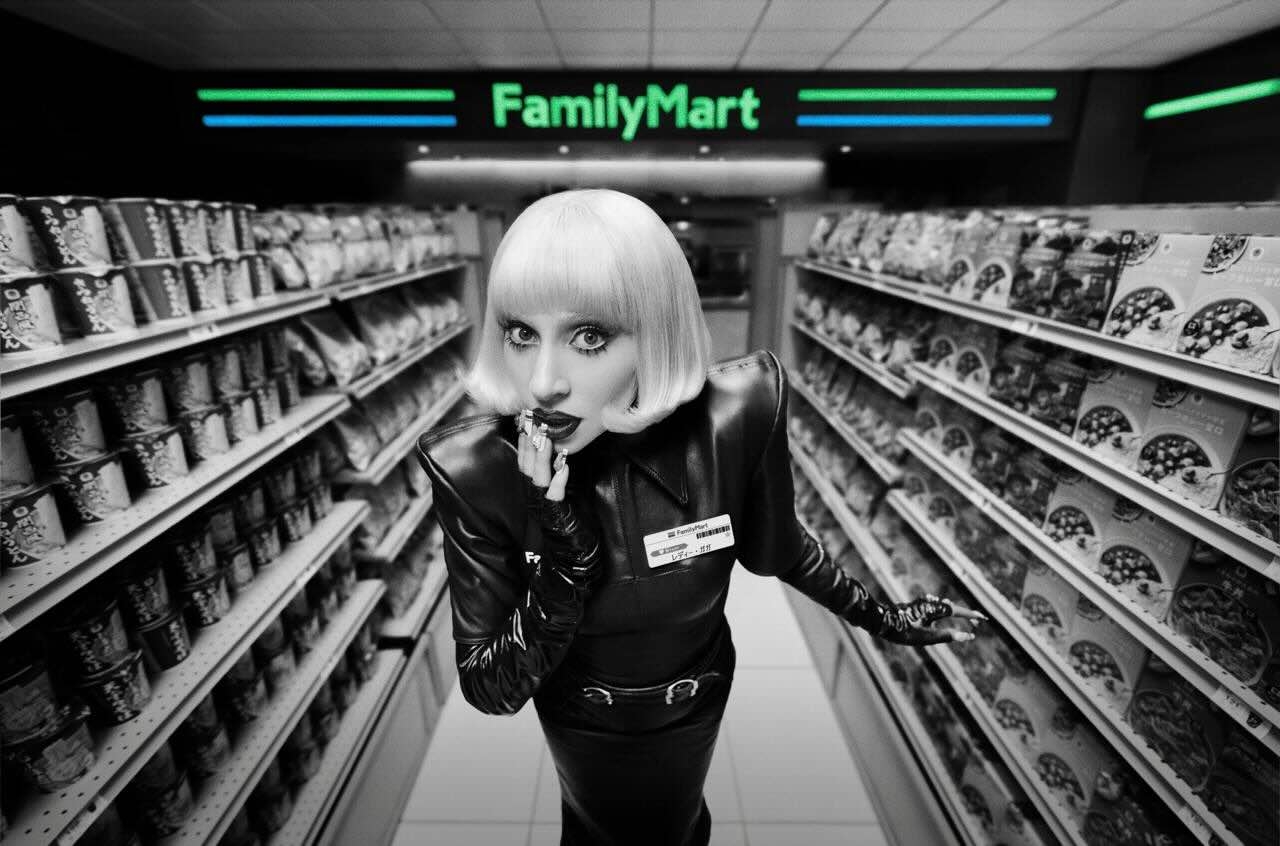

Lady Gaga has returned to the screen, but not in the way fans might assume: She is the newly appointed campaign ambassador for Japanese convenience store chain FamilyMart, and she stars in the franchise's new commercial.
The commercial, set to "Killah" from last year's MAYHEM, sees Lady Gaga in a blonde bob wig wearing a fashionable, edgy take on the typical FamilyMart uniform. She plays the role of a FamilyMart employee, working the cash register, mopping the floors and restocking shelves in tall, white high heels.
The new video came alongside a brief interview with the company, in which Gaga expressed her love for Japan and her Japanese fans. She said she had a lot of fun working with the director to determine the ad's tone, continuing to say, "I was trying to find the seriousness of going to work with the humor and the fun of FamilyMart."
When asked her favorite items to get from FamilyMart, she responded that she loves sushi and traditional soba, a Japanese noodle made from buckwheat flour.
-
 2
2