


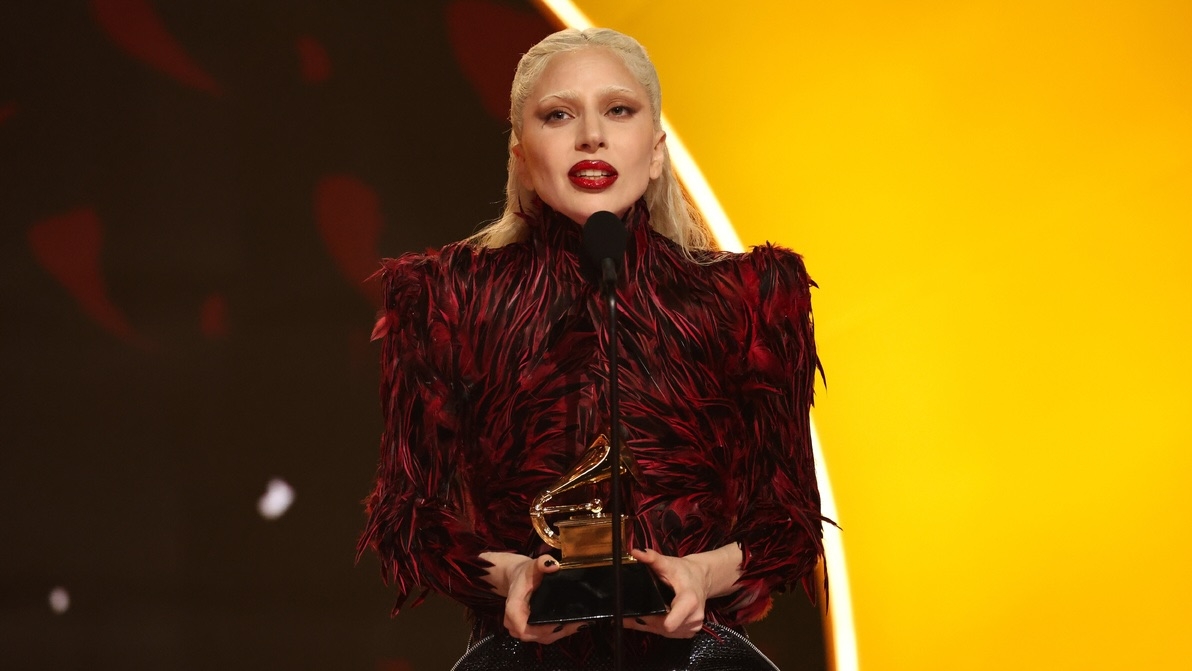

With nominations for the 69th Annual Grammy Awards set to be announced Nov. 16, 2026, there's a chance Lady Gaga scores a few nominations at the 2027 ceremony.
The eligibility period ran from Aug. 31, 2025, through Aug. 28, 2026, meaning "The Dead Dance," "Apple Music Live: MAYHEM Requiem" and Gaga's contributions to The Devil Wears Prada 2's soundtrack all have a chance of being nominated.
Here are Gaga's submissions for next year's ceremony, according to The Grammy Guru:
Apple Music Live: MAYHEM Requiem
Album of the Year
Best Music Film
"RUNWAY" (with Doechii)
Record of the Year
Song of the Year
Best Pop Duo/Group Performance
Best Song Written for Visual Media
"The Dead Dance"
Best Pop Solo Performance
Best Song Written for Visual Media
Lady Gaga had a successful showing at the 2026 Grammys, taking home two awards: Best Pop Vocal Album ("MAYHEM") and Best Dance Pop Recording ("Abracadabra"). The year before, her Bruno Mars duet "Die With a Smile" won Best Pop Duo/Group Performance.
Relive her performance of "Abracadabra" here:
The 69th Annual Grammy Awards will air Sunday, February 7, 2027.
-
 2
2
-
 1
1