


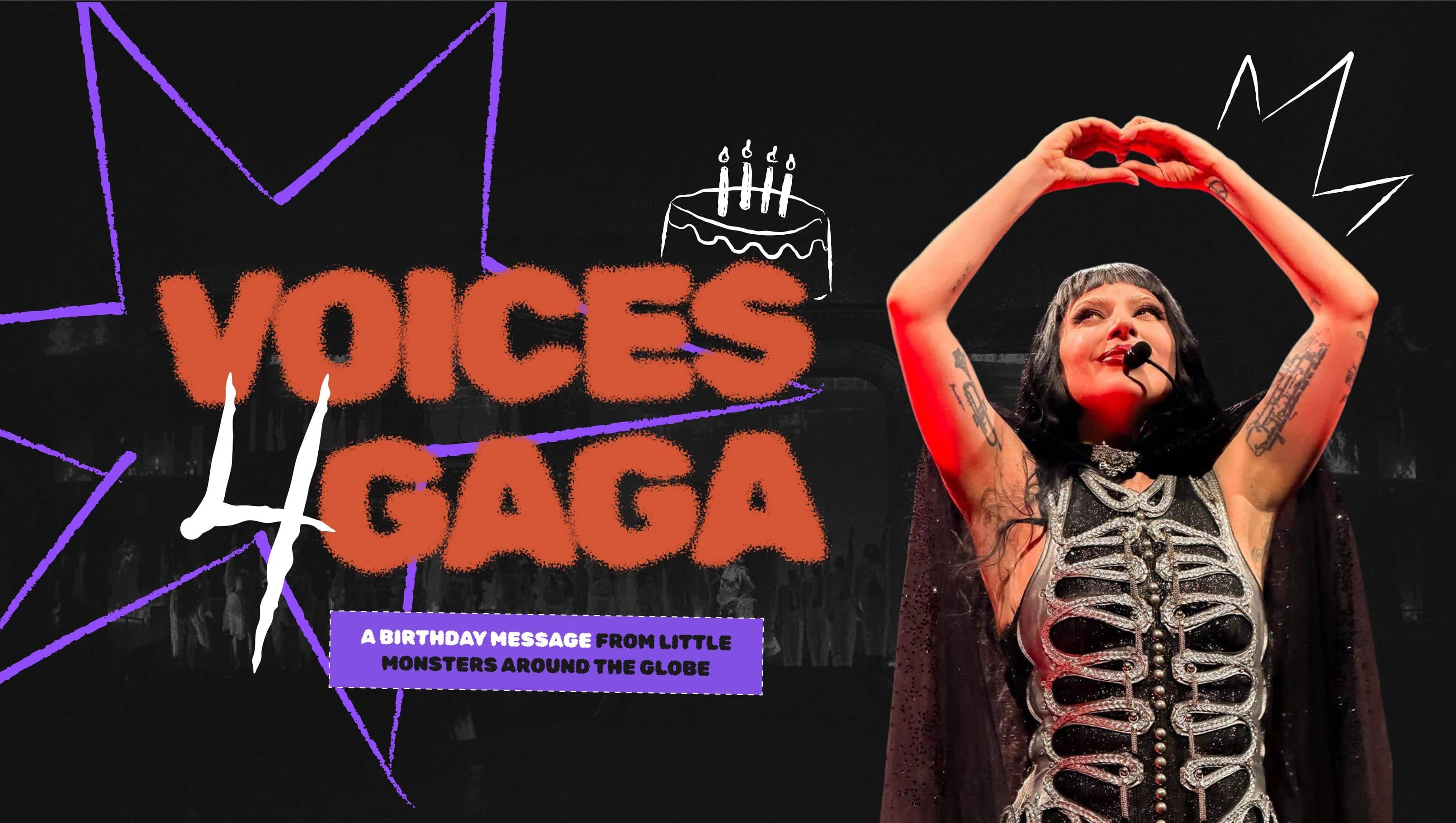
Join the celebration of Lady Gaga’s 40th birthday by sending a “Happy Birthday!” video that will be shown on screen during The MAYHEM Ball concert.
Lady Gaga Now and RDT Gaga are teaming up with some of the biggest fan pages on the internet to mobilize fans who want to wish Mother Monster a special day by submitting a 15-second video through the VOICES OF MAYHEM feature on Lady Gaga’s website, starting March 24 through March 29.
The videos will appear on screen during The MAYHEM Ball show in Boston, one day after her birthday, March 28.
Here are the rules:
Submit your video on voices.ladygaga.com starting March 24, with the deadline on March 29.
Videos must be 15 seconds or less.
Feel free to sing “Happy Birthday” or share a personal message.
Let’s turn Lady Gaga’s birthday into an unforgettable moment!
And thank you to RDT Lady Gaga for coming up with this incredible idea. Let’s make Mother Monster proud.
-
 1
1
-
 1
1