


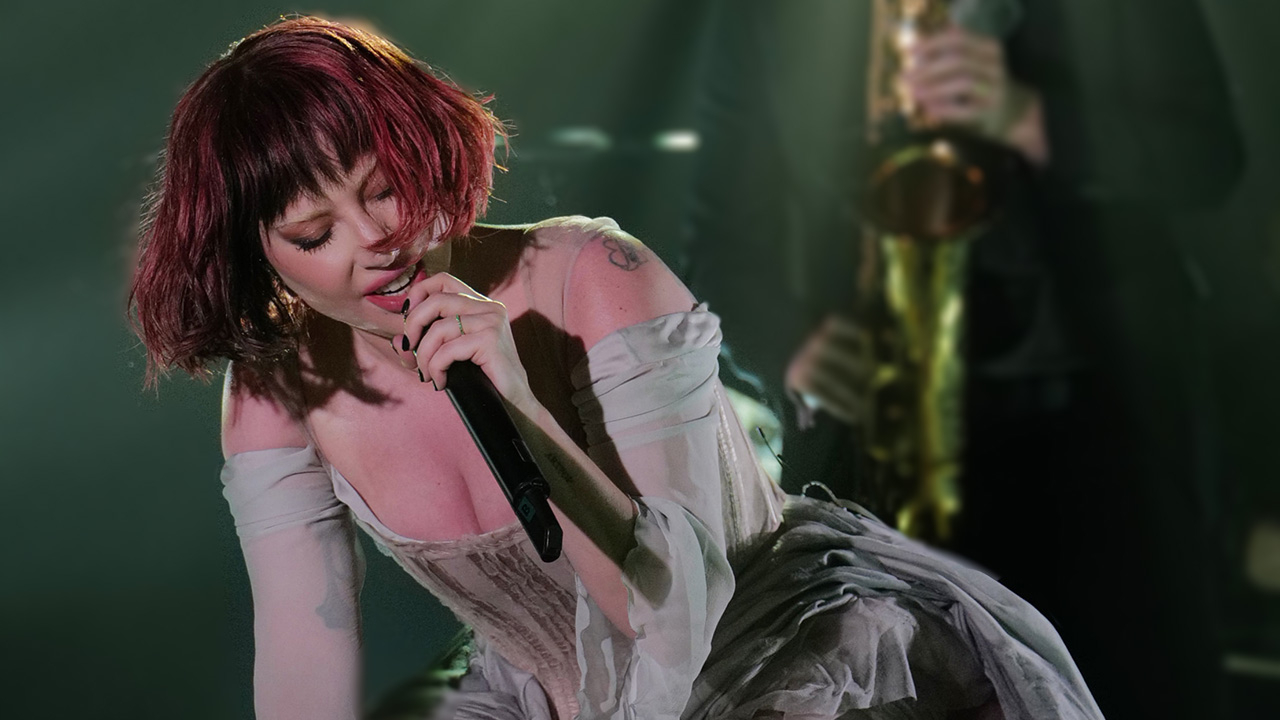
Lady Gaga’s exclusive concert film, LADY GAGA IN HARLEQUIN LIVE – ONE NIGHT ONLY, will premiere tomorrow night in Los Angeles as a one-night-only cinematic event.
Directed by Lady Gaga alongside her partner Michael Polansky, the special was recorded in October 2024 at The Belasco in downtown Los Angeles, shortly after the release of Joker: Folie à Deux. Marketed as a companion project to the film, the performance sees Gaga returning to jazz standards, delivering covers of classics such as “Oh, When the Saints” and “That’s Entertainment!” She also released a new single for the project, “Happy Mistakes,” which she recently performed live on The Tonight Show Starring Jimmy Fallon.
This event marks the first time Lady Gaga will perform the full album publicly and on screen at the GRAMMY Museum.
Fans can purchase tickets starting today, December 17, at 5:00 PM PST, via the official ticket link. Tickets are non-transferable.
LADY GAGA IN HARLEQUIN LIVE – ONE NIGHT ONLY is a cinematic performance film shot at The Belasco in downtown Los Angeles, featuring Gaga performing Harlequin in its entirety. Executive produced by Gaga and Michael Polansky and shot partially on film, it captures a one-night-only performance created exclusively for her fans. This special event marks the first time she’s sharing it on screen.
-
 2
2