
Jump to content
View in the app

A better way to browse. Learn more.

Lady Gaga Now

A full-screen app on your home screen with push notifications, badges and more.
To install this app on iOS and iPadOS
  1. Tap the Share icon in Safari
  2. Scroll the menu and tap Add to Home Screen.
  3. Tap Add in the top-right corner.
To install this app on Android
  1. Tap the 3-dot menu (⋮) in the top-right corner of the browser.
  2. Tap Add to Home screen or Install app.
  3. Confirm by tapping Install.

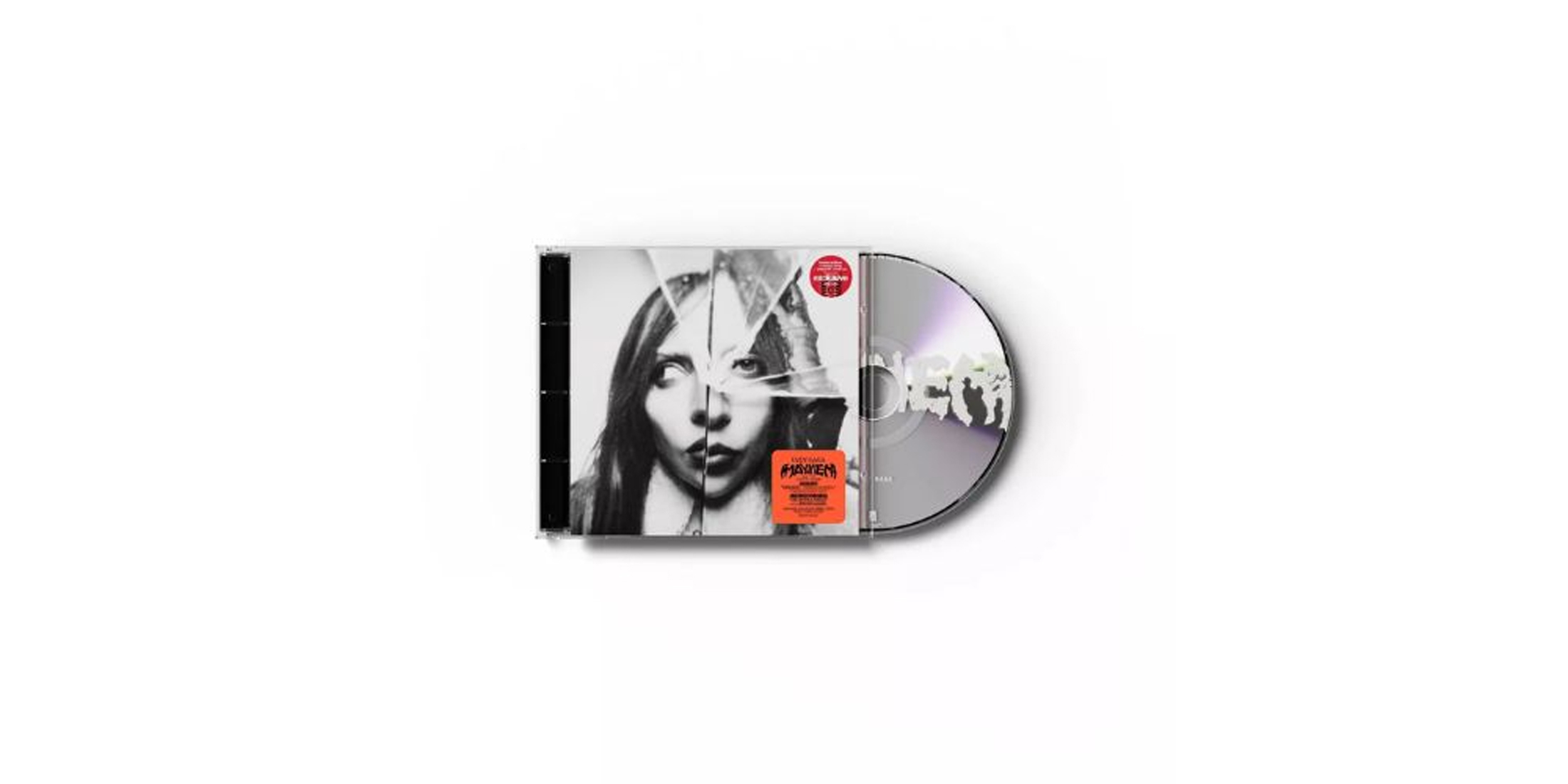
MAYHEM Alt Cover 2 Exclusive CD + Bonus Track

User Feedback

Recommended Comments

Guest Marcus

Guest Marcus

Guests

I wish I could buy this legitimately in Canada. Kill for love is one of the best song of the album.

Guest DM7

Guest DM7

Guests

I do know a site where you can buy it in Canada 👀

Guest Guest

Guest Guest

Guests
On 3/18/2025 at 1:58 PM, Guest DM7 said:

I do know a site where you can buy it in Canada 👀

Please share the site where we can get it in Canada

vlad125

Little Monsters

On 15.03.2025 at 04:21, Guest Marcus said:

Жаль, что я не могу купить этот альбом легально в Канаде. "Kill for love" — одна из лучших песен альбома.

On 23.04.2025 at 04:37, Guest Guest said:

Пожалуйста, поделитесь ссылкой на сайт, где его можно приобрести в Канаде.

vlad125

Little Monsters

I saw the MAYHEM Alt Cover 2 Exclusive CD + Bonus Track release and honestly it’s the kind of collector item fans love. Alternative artwork always makes a physical copy feel more special, especially when there’s an extra track included that you can’t easily stream everywhere. For listeners who still enjoy owning CDs, releases like this turn music into something tangible again, not just another playlist. It’s cool when bands like Mayhem keep doing unique editions for dedicated fans. After checking music releases I sometimes keep browsing random entertainment online and even land on pin up az — the web always leads somewhere unexpected.

Guest
Add a comment...

Configure browser push notifications

Chrome (Android)
  1. Tap the lock icon next to the address bar.
  2. Tap Permissions → Notifications.
  3. Adjust your preference.
Chrome (Desktop)
  1. Click the padlock icon in the address bar.
  2. Select Site settings.
  3. Find Notifications and adjust your preference.